Jewellery
AI product photography for jewellery brands
Create luxury product imagery from your existing jewellery photos.
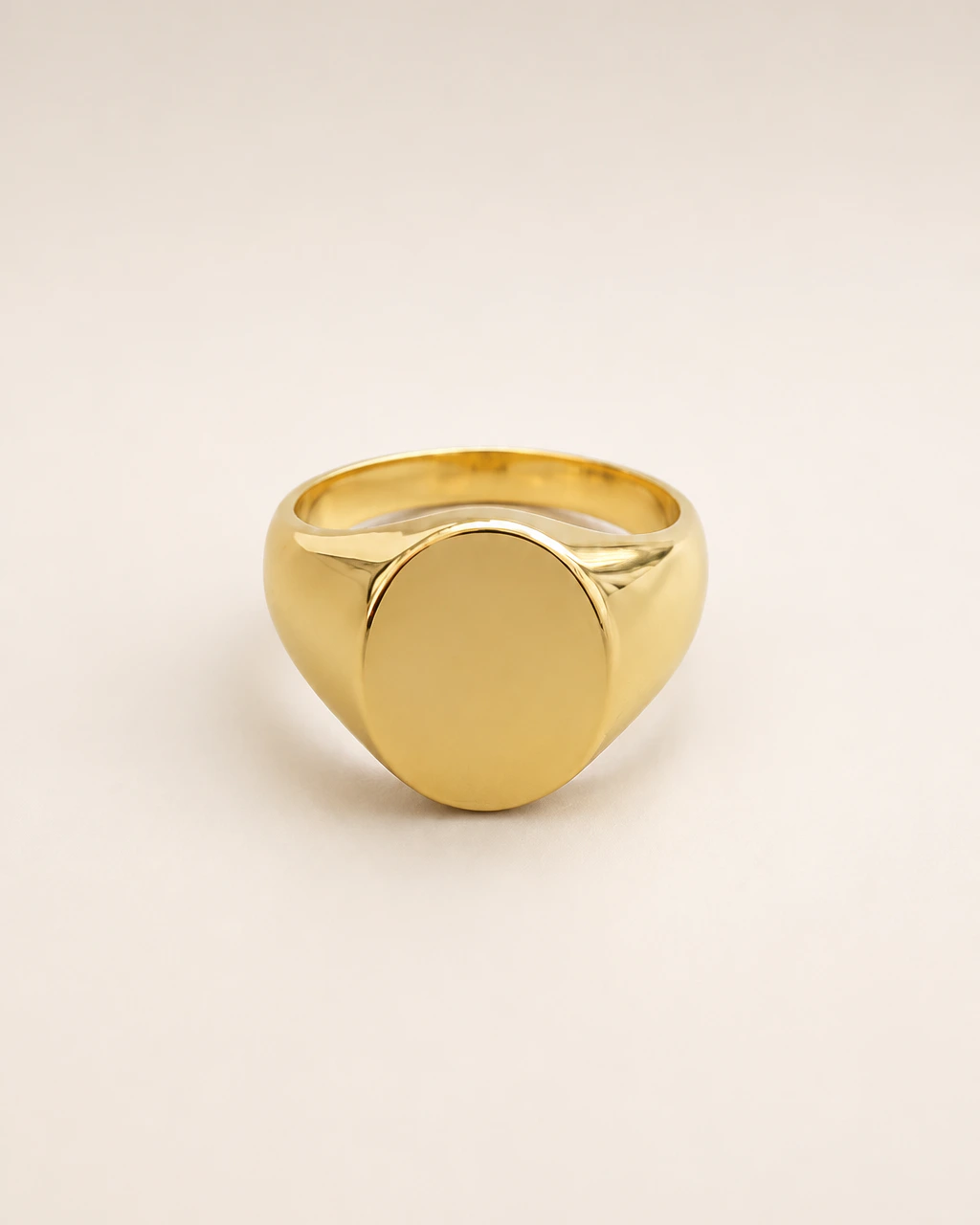
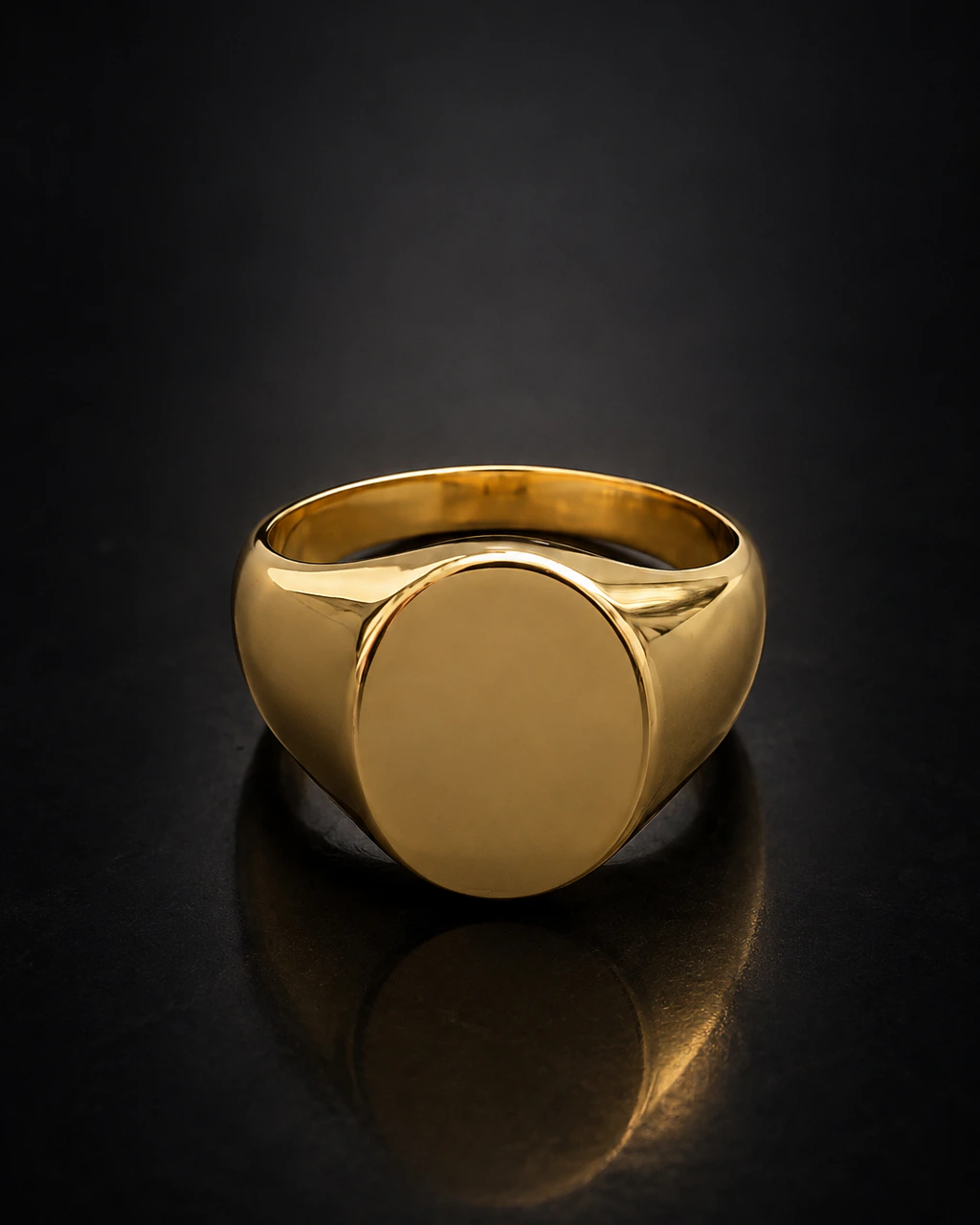
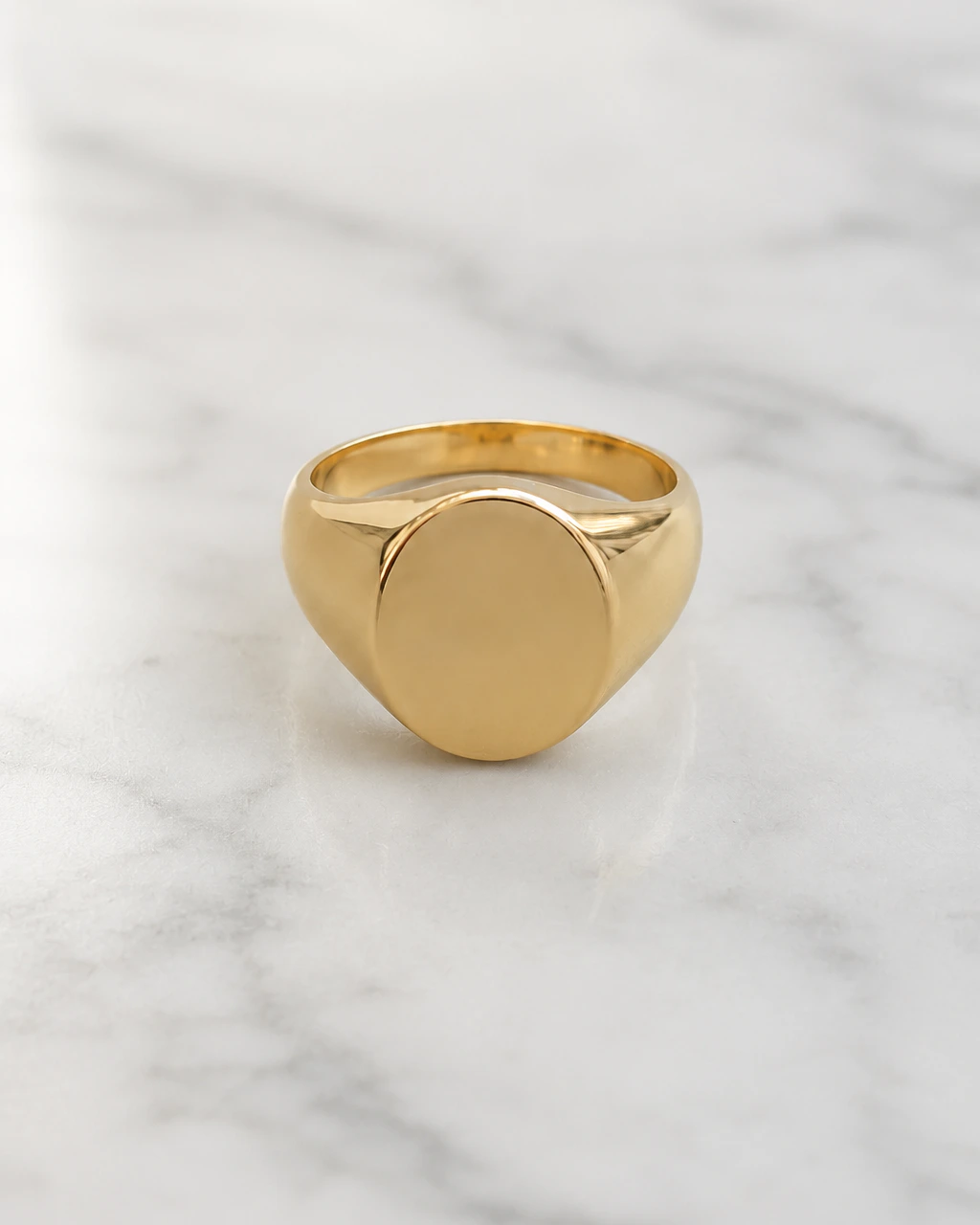
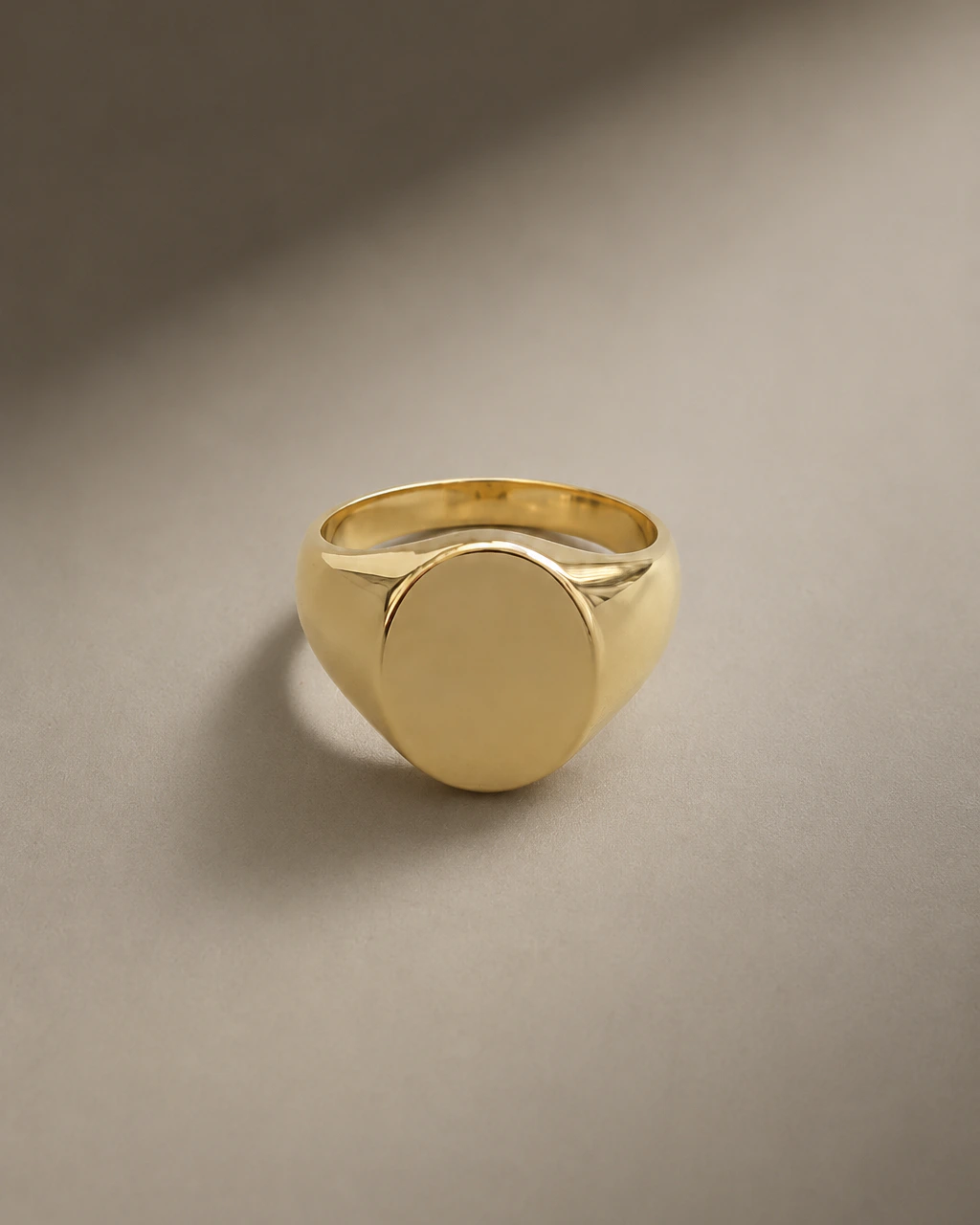
Jewellery is unforgiving to photograph: small, reflective, and defined by details a customer wants to inspect before buying. Upload the photos you already have and rebuild the scene around the piece — the setting, the light and the styling — while the piece itself stays the reference.
What you can photograph
Every jewellery product
in your catalogue.
Rings
Solitaires, bands and signet rings on clean or styled surfaces.
Necklaces
Pendants and chains with the drape and proportion held.
Bracelets
Tennis, cuff and chain styles across studio and lifestyle sets.
Watches
Dials, cases and straps in editorial and catalogue compositions.
Before / after
Keep the product.
Change everything around it.
Drag the handle to compare a plain reference photo with a finished scene.
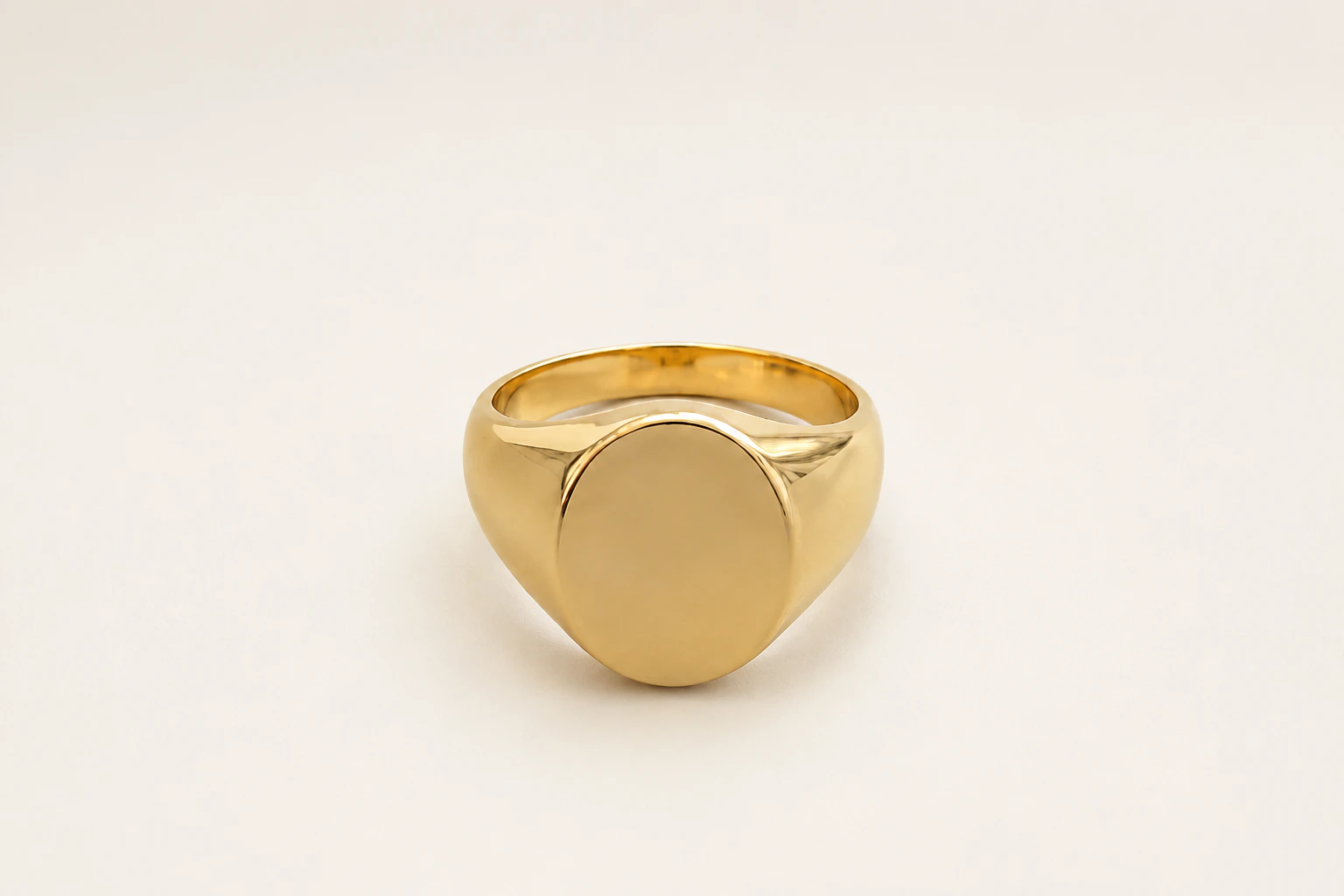
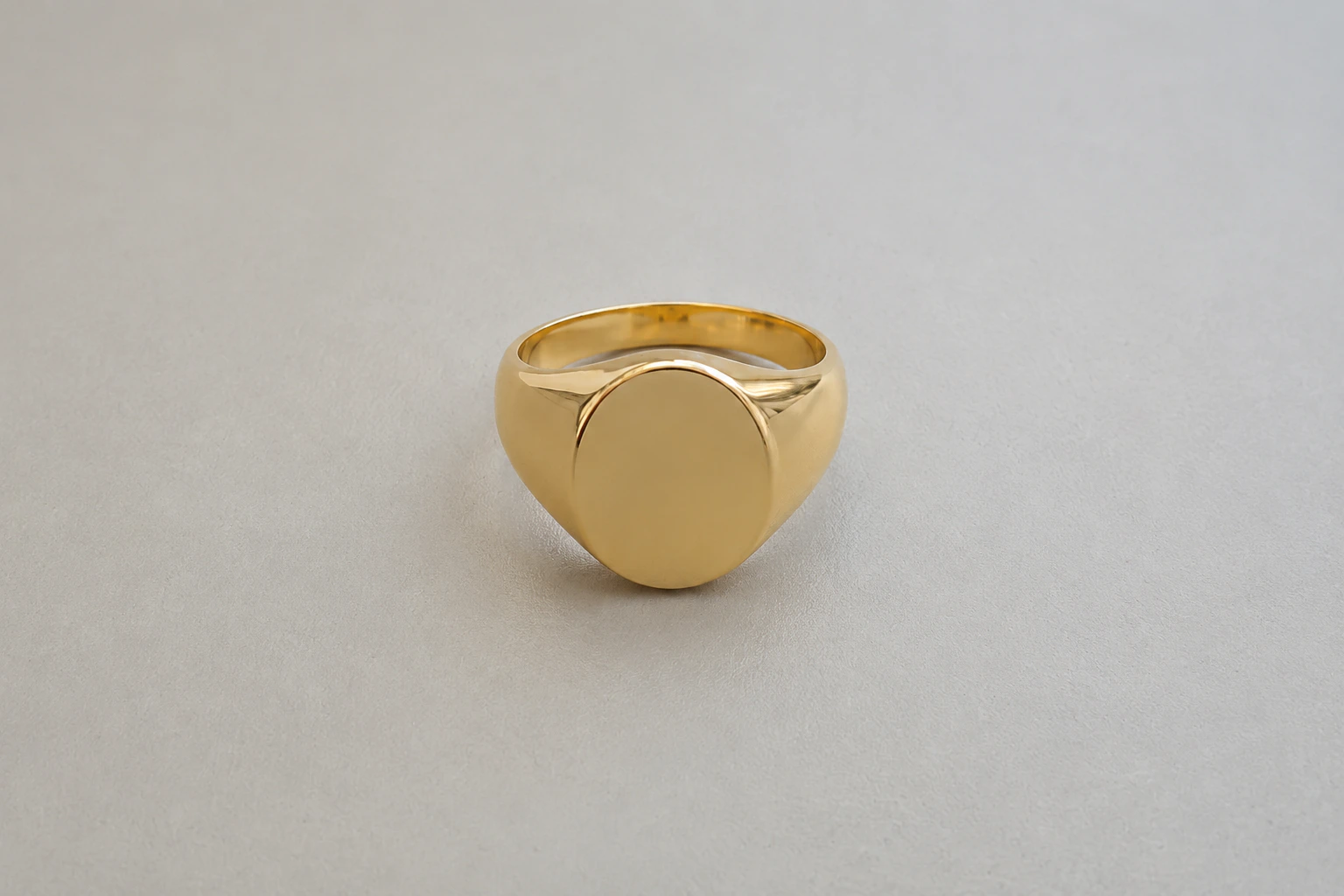
Scenes
Photoshoots suited to jewellery.
Clean White
Luxury Black
White Marble
Premium Editorial
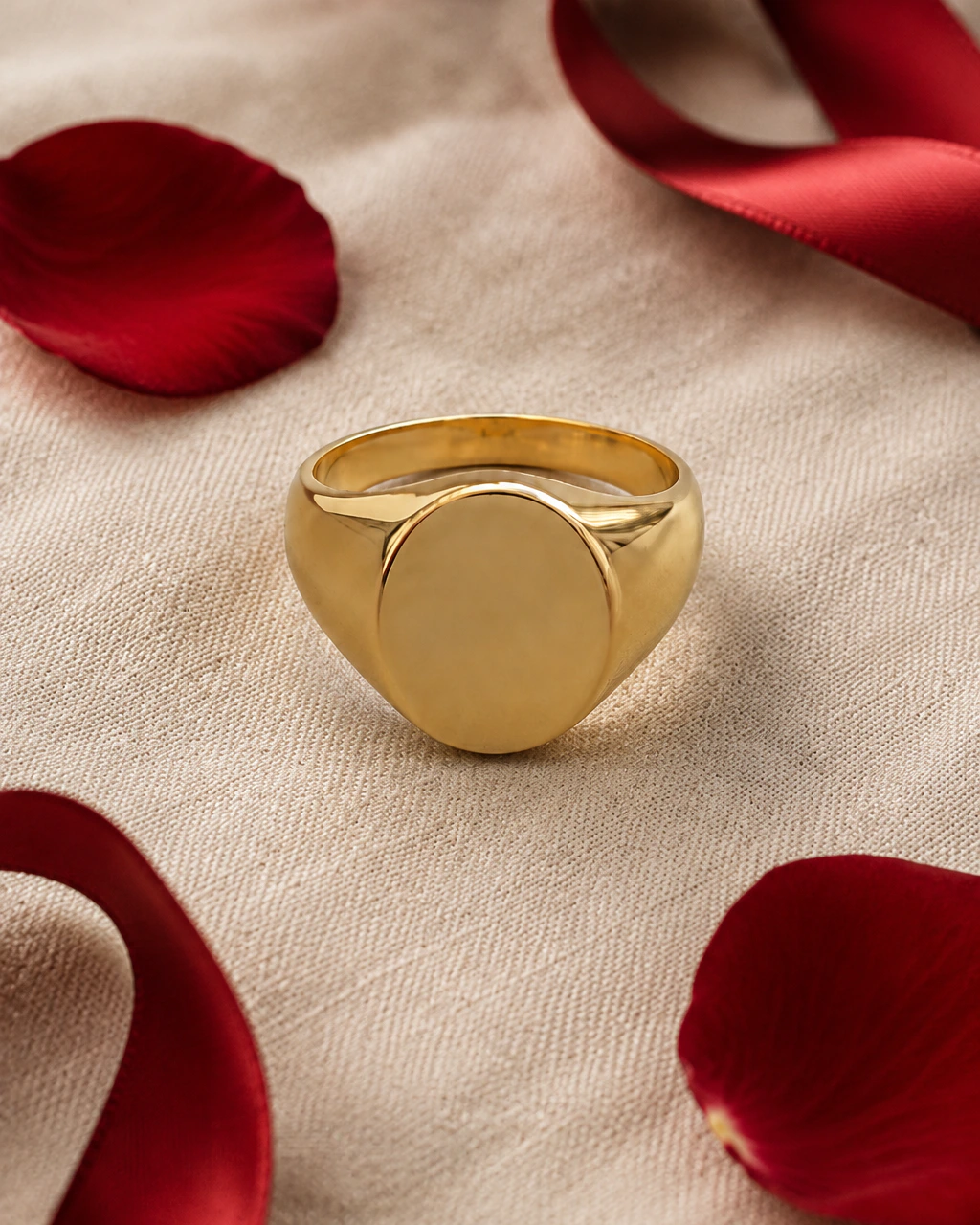
Valentine's Day
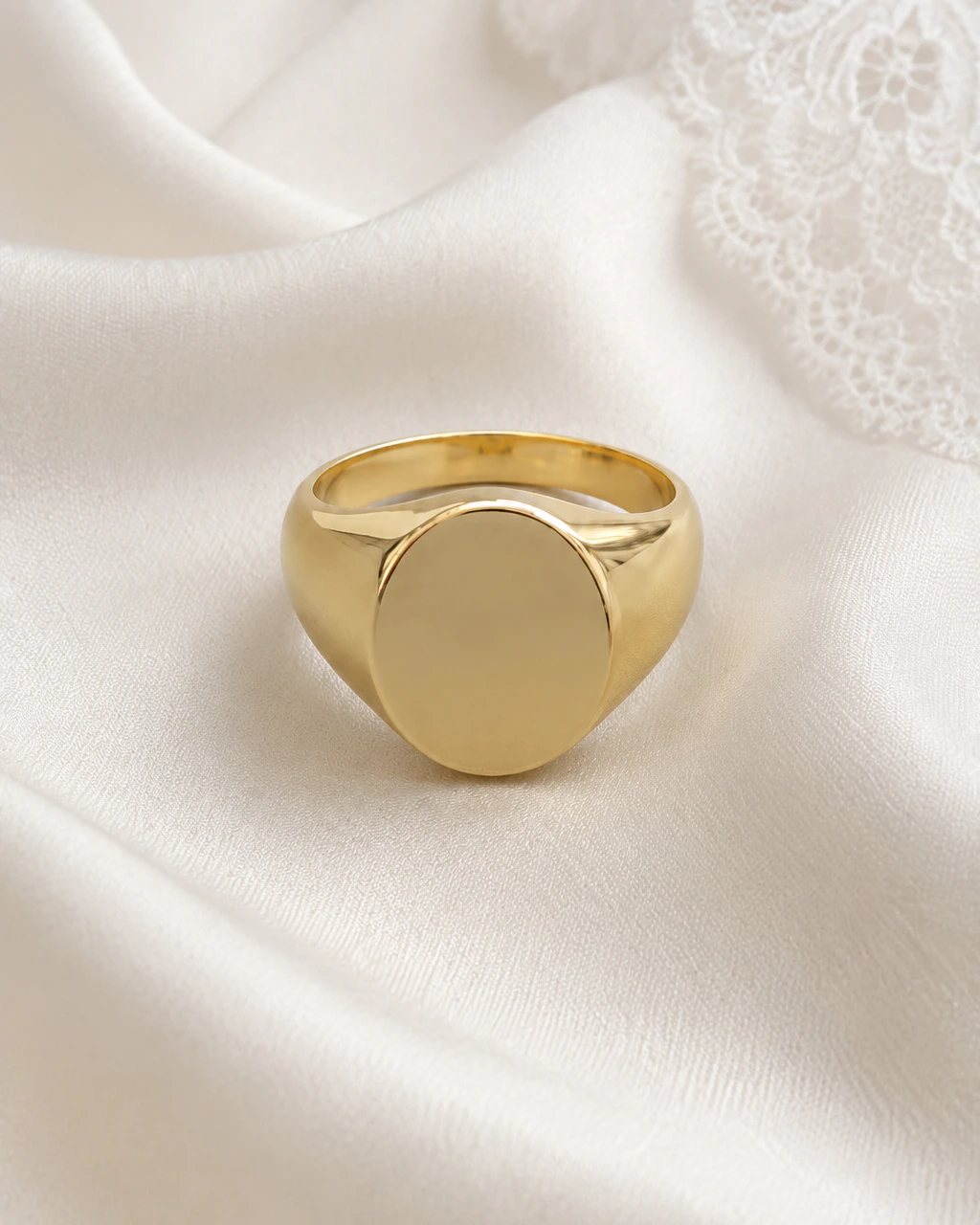
Wedding
Use cases
Where these images end up.
Gift campaigns
Move the same collection through Valentine's, Mother's Day and Christmas scenes without booking a set each time.
Lifestyle shots
Place pieces in interiors and natural settings that suit a premium jewellery brand.
Seasonal photoshoots
Refresh your storefront for a new season using the catalogue you already photographed.
Product lock
Keep the product.
Change everything around it.
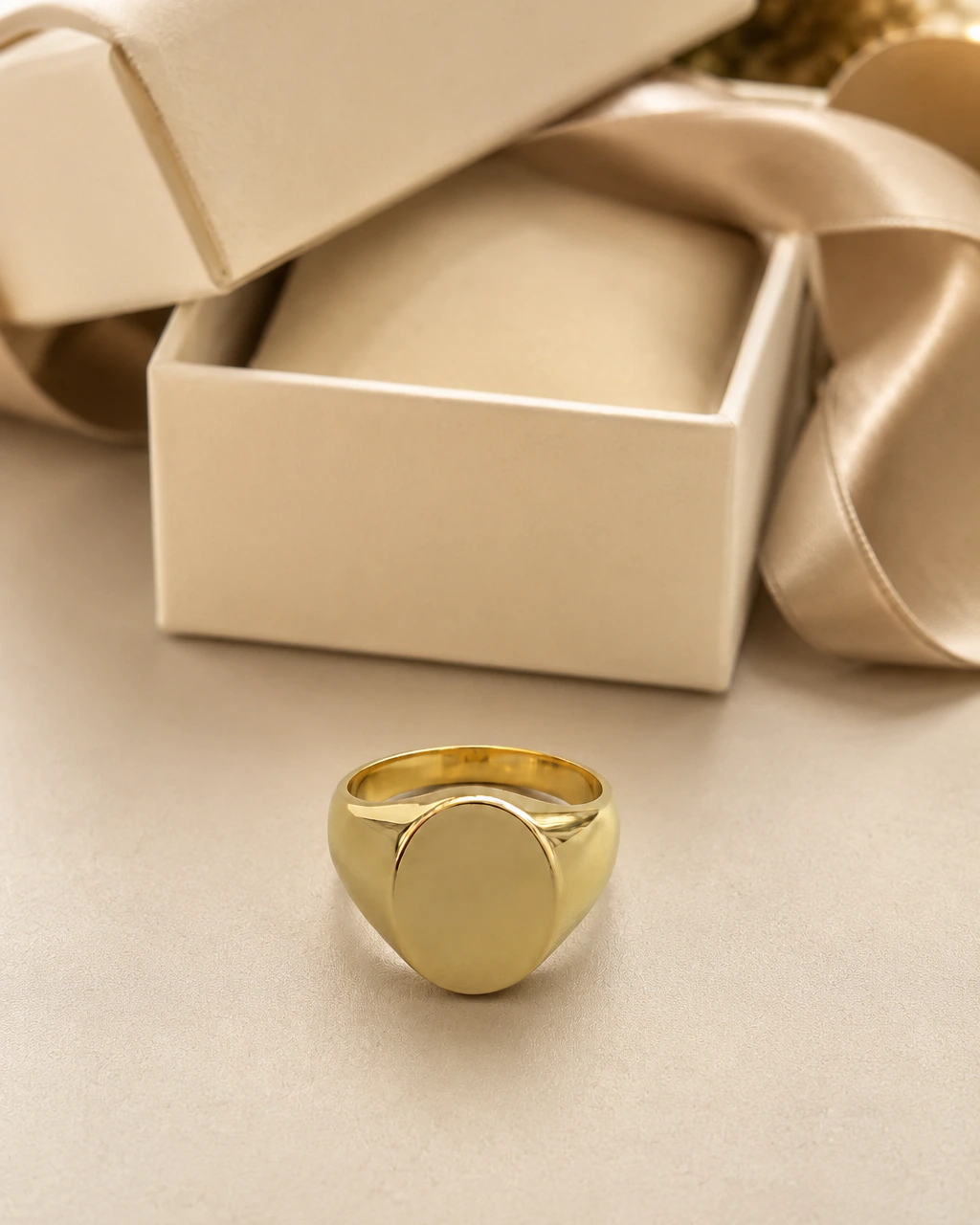
You start from a real photo of a real product. The product stays the subject; the scene, light and props are what we create.
- Preserve product shape
- Preserve colours
- Preserve packaging
- Preserve logos and details
- Transform background and lighting
AI-generated results can vary. Always review generated assets before commercial use.
How it works
No complex prompts.
Choose a scene and start creating.
- 01
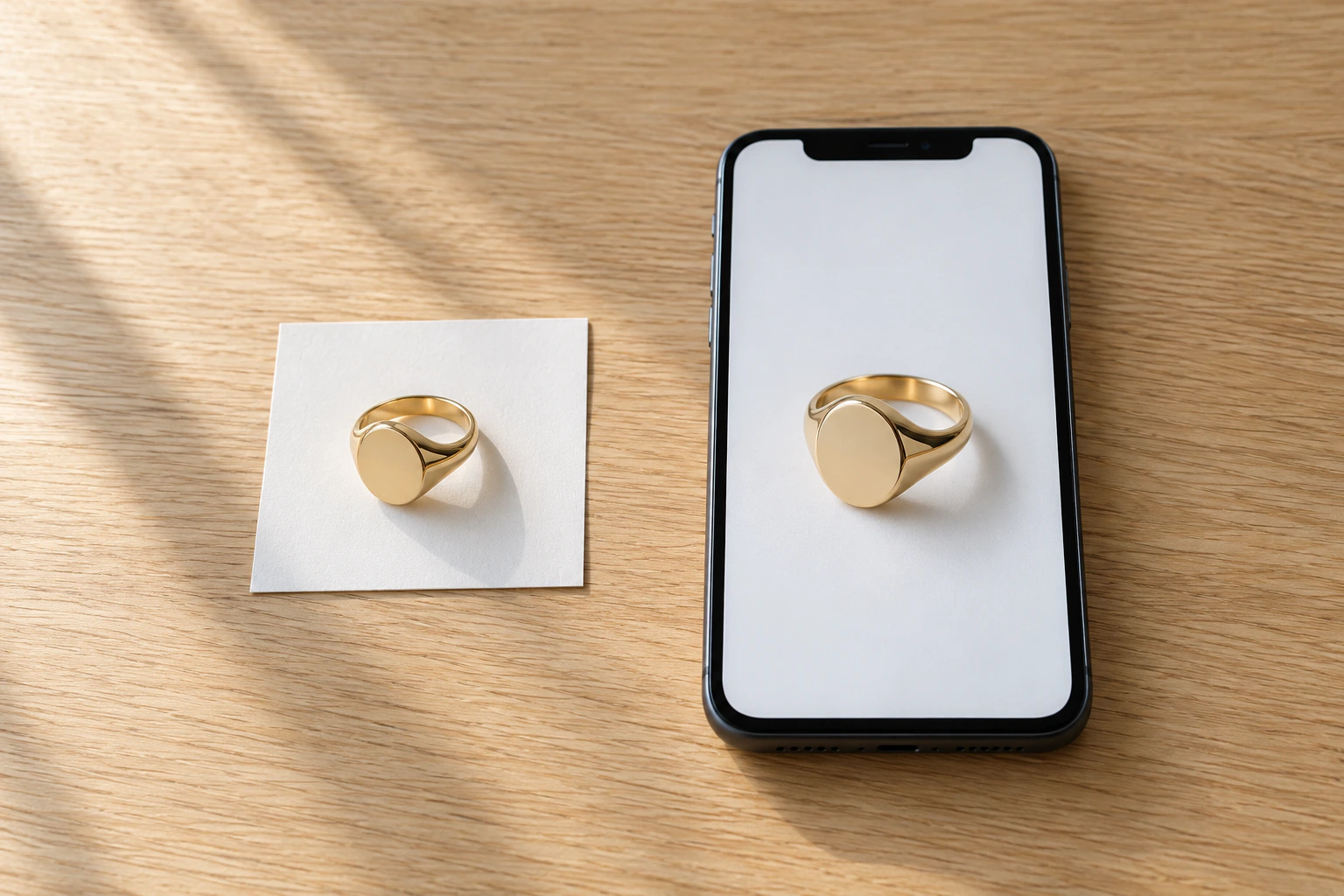
Upload your product
Upload one or more photos of your real product. Up to 5 references, JPG, PNG or WEBP.
- 02
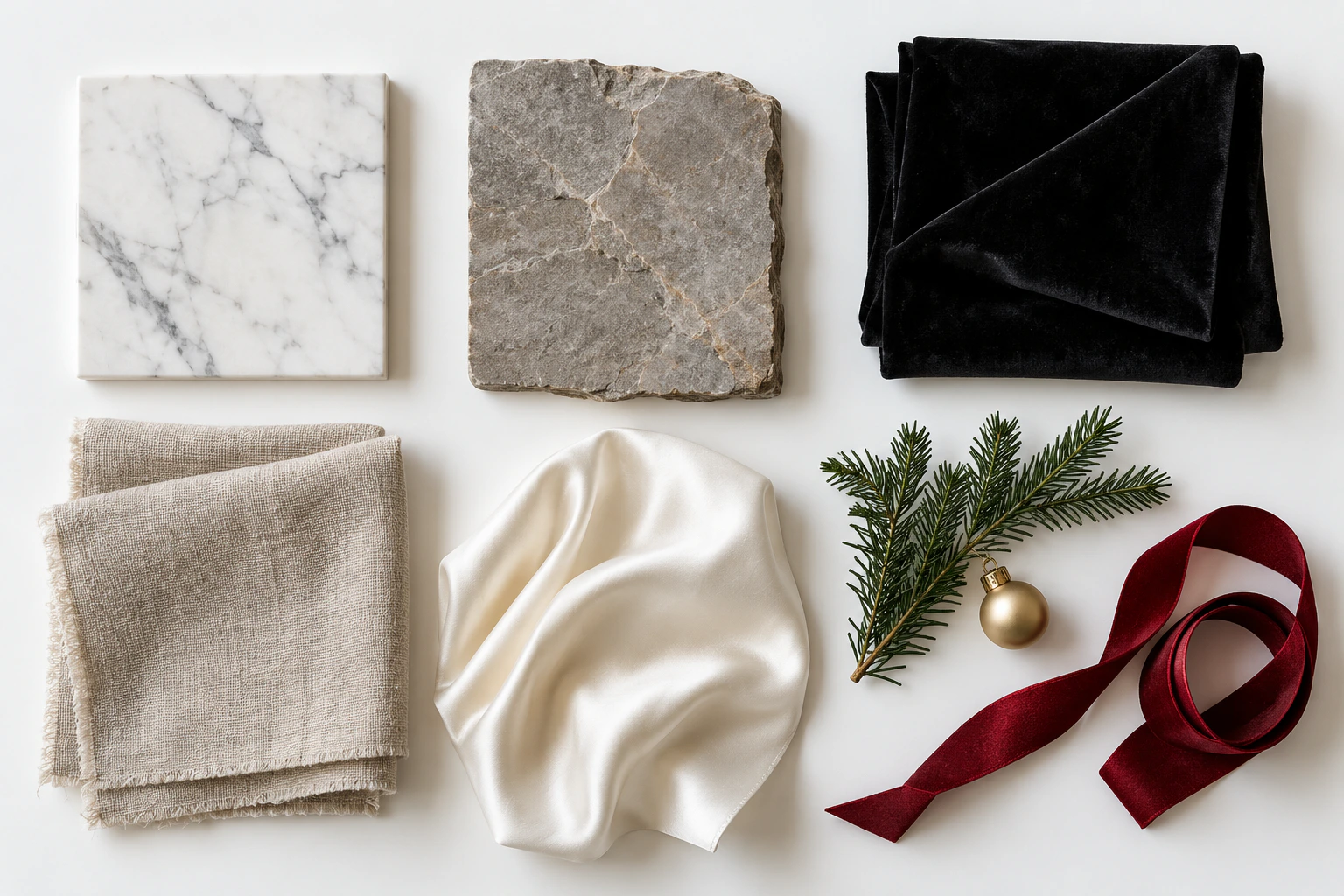
Choose a photoshoot
Pick a studio, lifestyle or seasonal scene, a format and 1 to 4 variations. Add a short wish if you like.
- 03
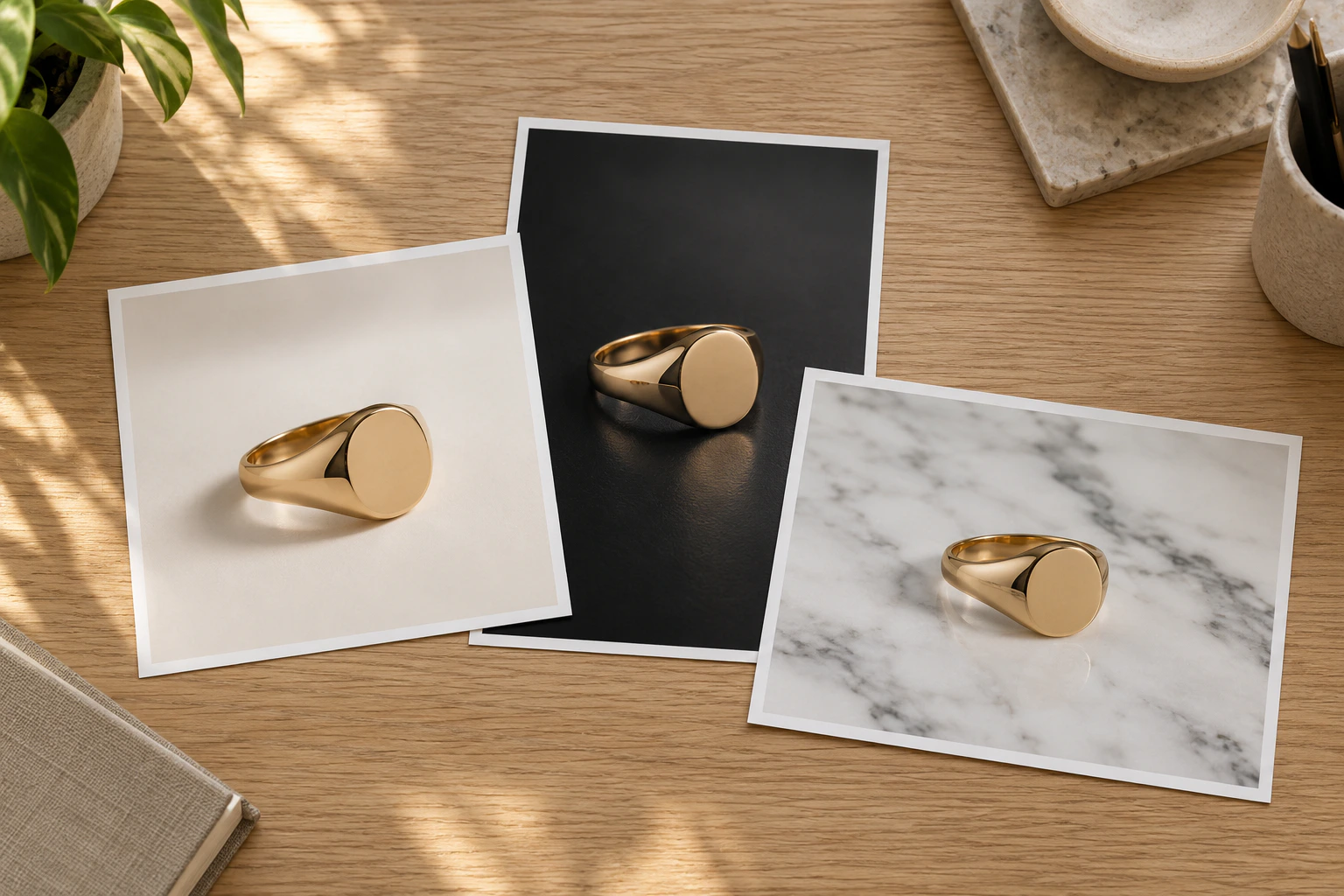
Download your campaign
Review the frames, keep the ones you like and download them for your store, ads and social media.
Create more product visuals without organising another studio shoot.
Start with a free account.
Your product stays your product. Start with 10 free credits, no photographer, studio or props to book.