Cosmetics
AI product photography for beauty brands
Turn existing bottle and packaging shots into campaign-ready beauty imagery.
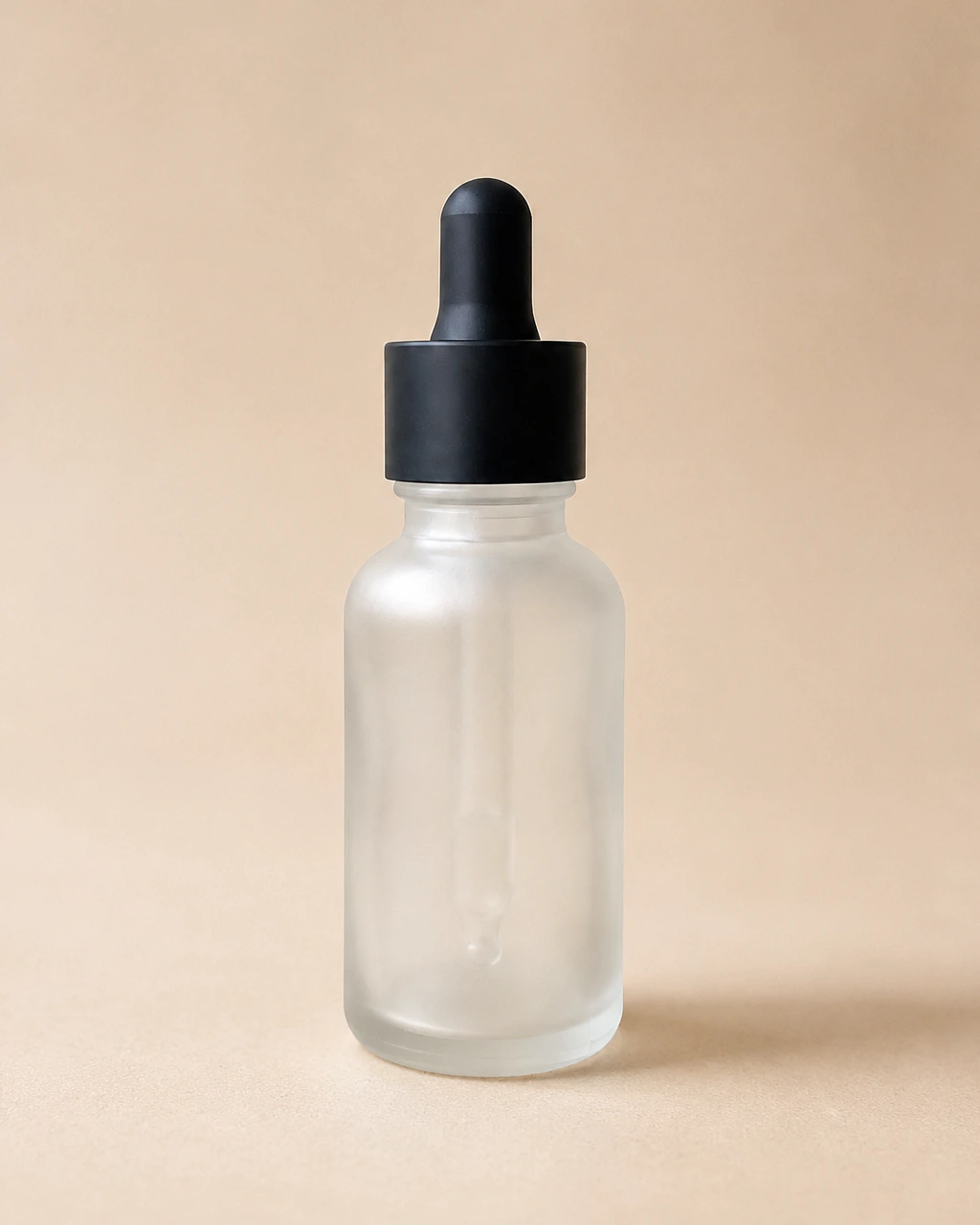
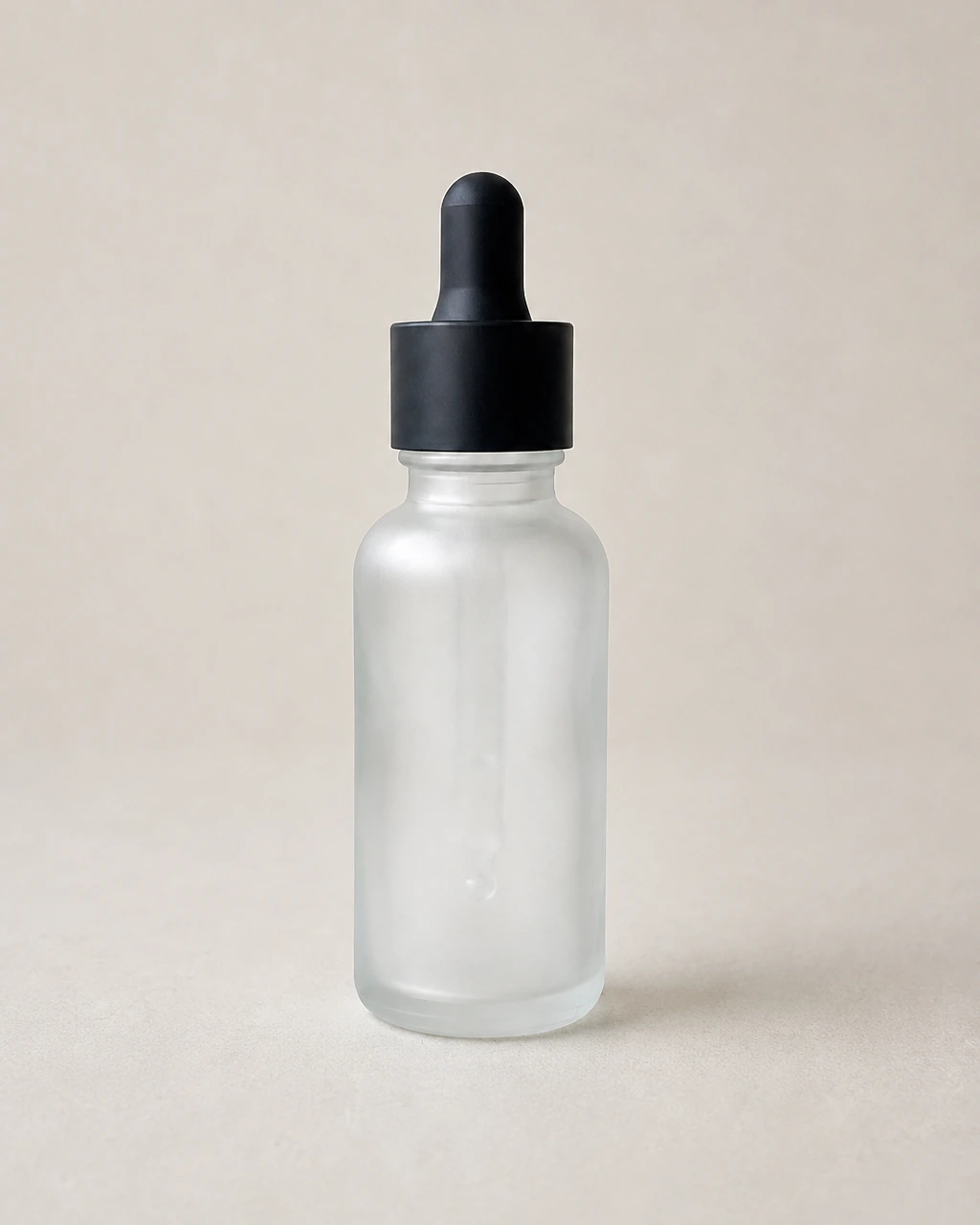
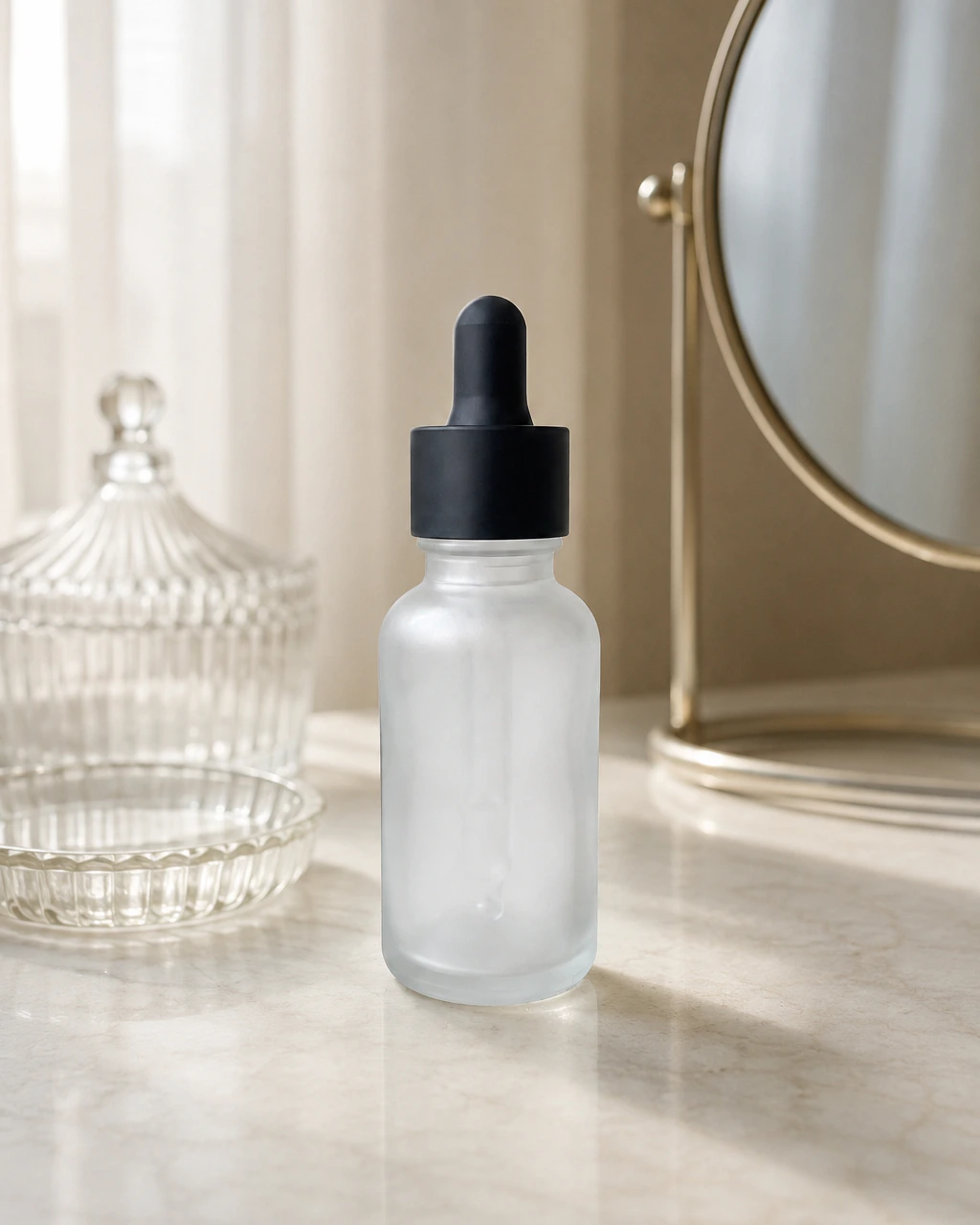
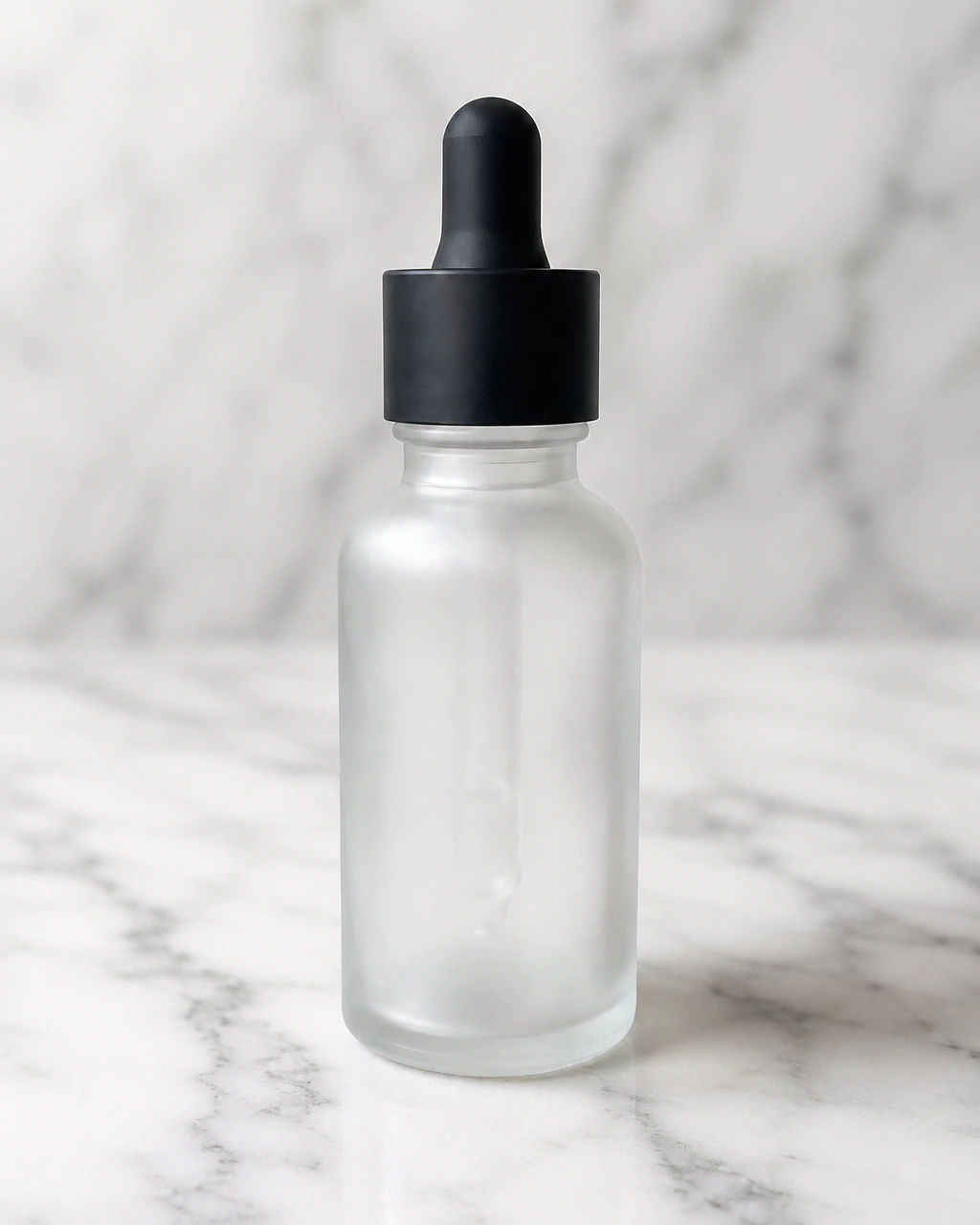
Beauty products live or die on packaging: the label, the typography, the finish of the glass. The workflow treats those as the fixed part of the image and rebuilds everything around them, so a launch set does not mean another studio day.
What you can photograph
Every cosmetics product
in your catalogue.
Perfume
Flacons and caps with controlled reflections and depth.
Skincare
Serums, creams and droppers in clean or styled scenes.
Makeup
Compacts, sticks and palettes across neutral and editorial sets.
Packaging
Cartons and secondary packaging kept legible and square.
Before / after
Keep the product.
Change everything around it.
Drag the handle to compare a plain reference photo with a finished scene.
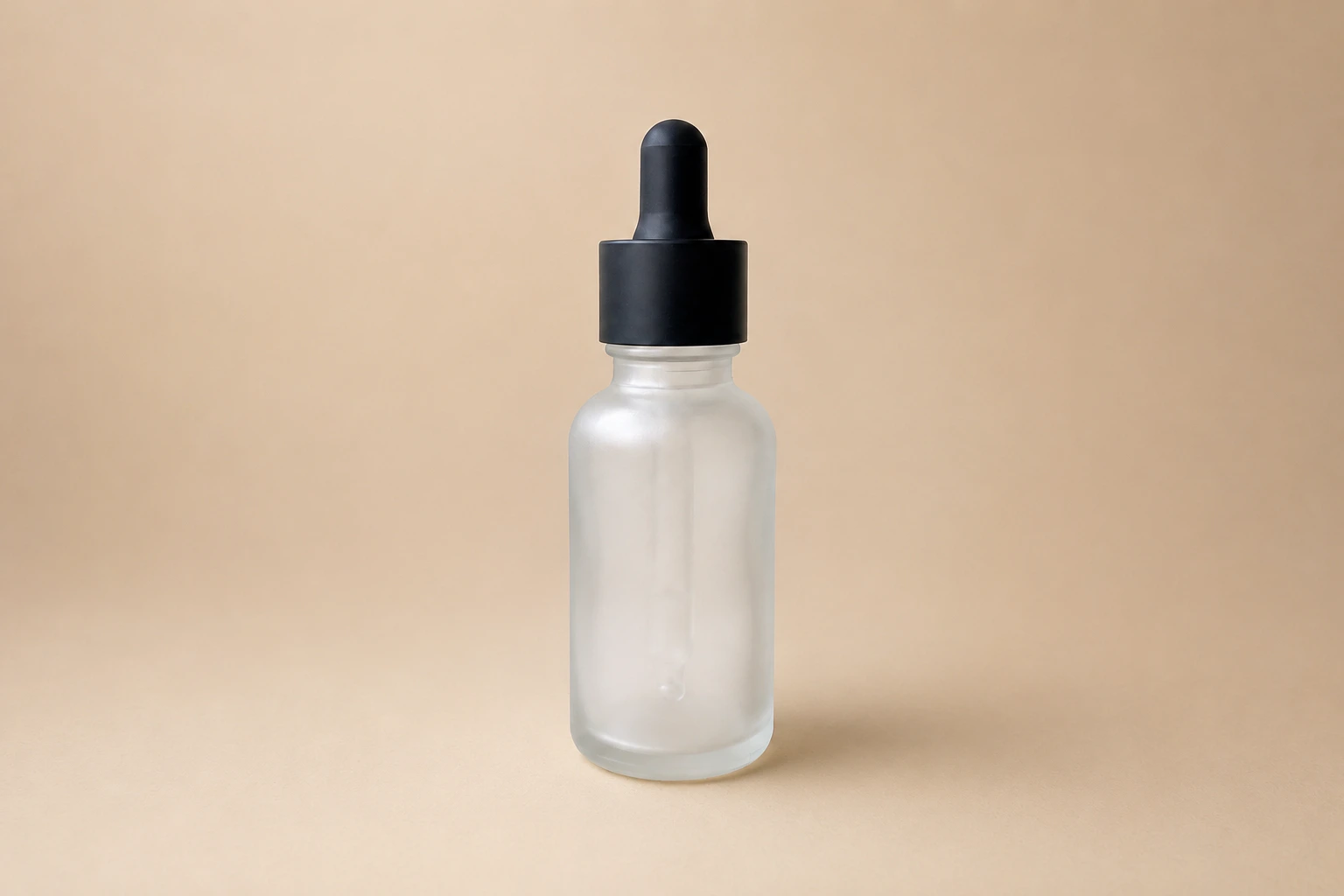
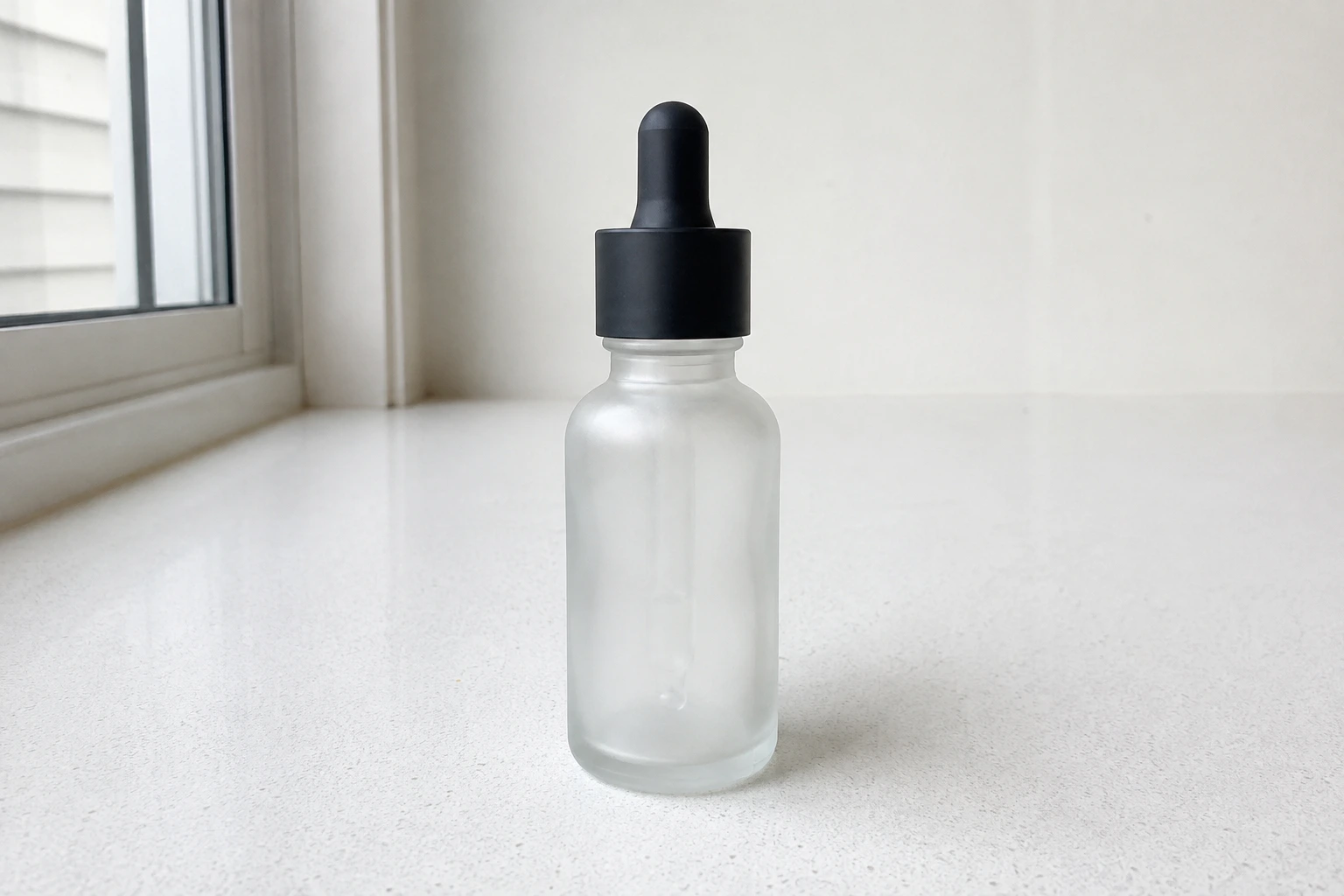
Scenes
Photoshoots suited to cosmetics.
Soft Beige
Minimal
Vanity Table
White Marble
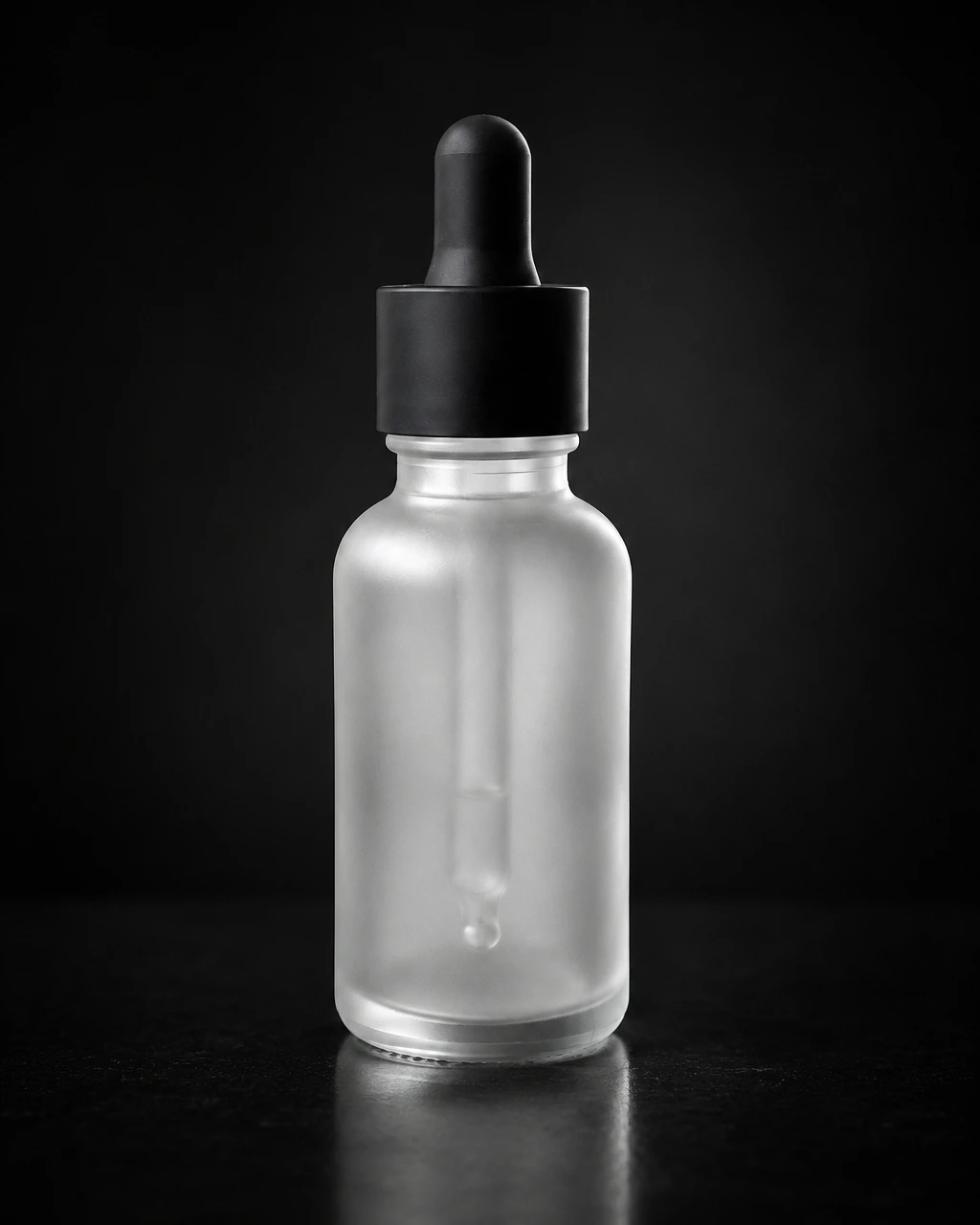
Luxury Black
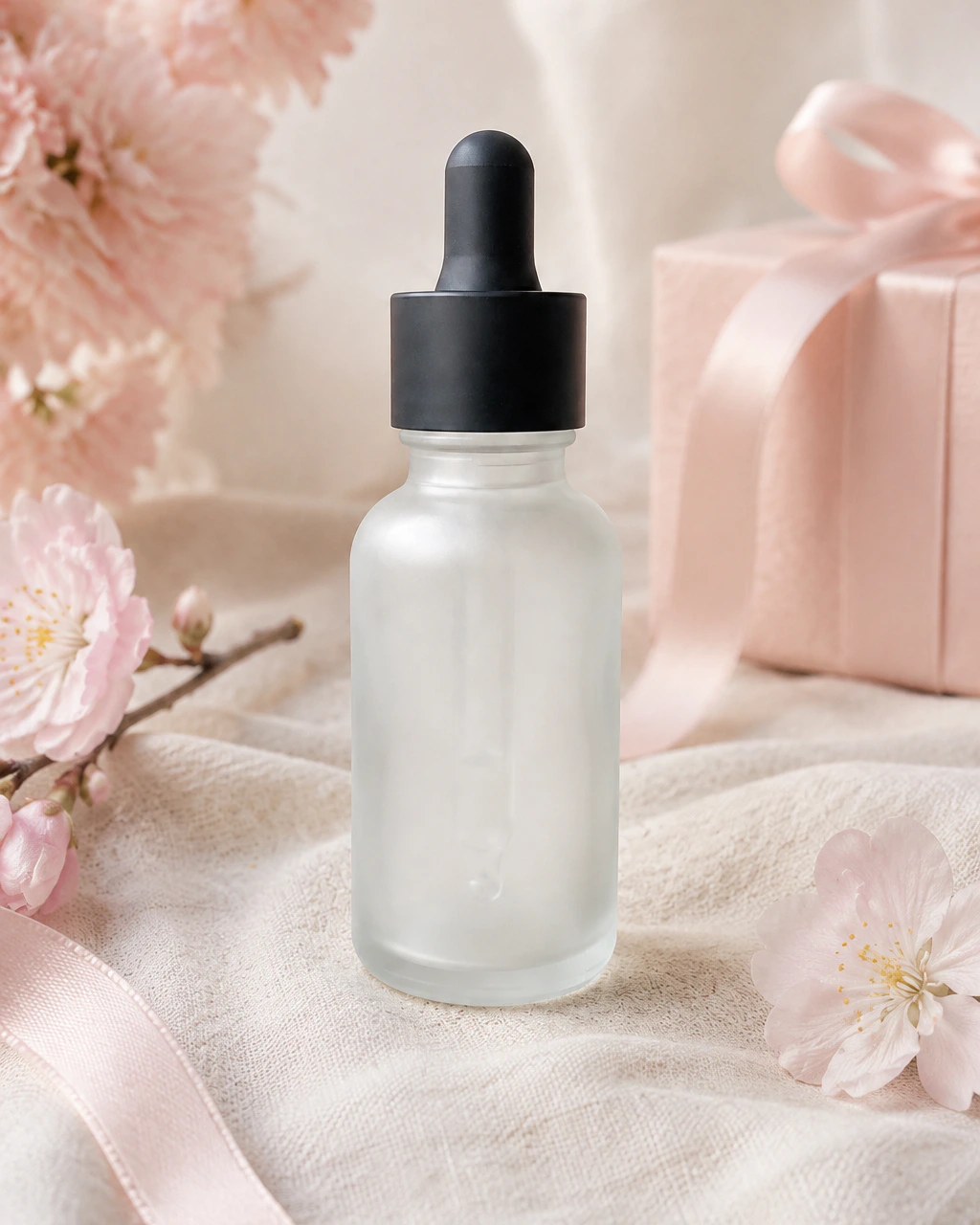
Mother's Day
Use cases
Where these images end up.
Product launches
Produce a full asset set for a new SKU before the first shipment arrives.
Routine and set imagery
Show a range together in a consistent scene rather than mismatched shots.
Seasonal gifting
Rework the same range for gifting moments across the year.
Product lock
Keep the product.
Change everything around it.
You start from a real photo of a real product. The product stays the subject; the scene, light and props are what we create.
- Preserve product shape
- Preserve colours
- Preserve packaging
- Preserve logos and details
- Transform background and lighting
AI-generated results can vary. Always review generated assets before commercial use.
How it works
No complex prompts.
Choose a scene and start creating.
- 01
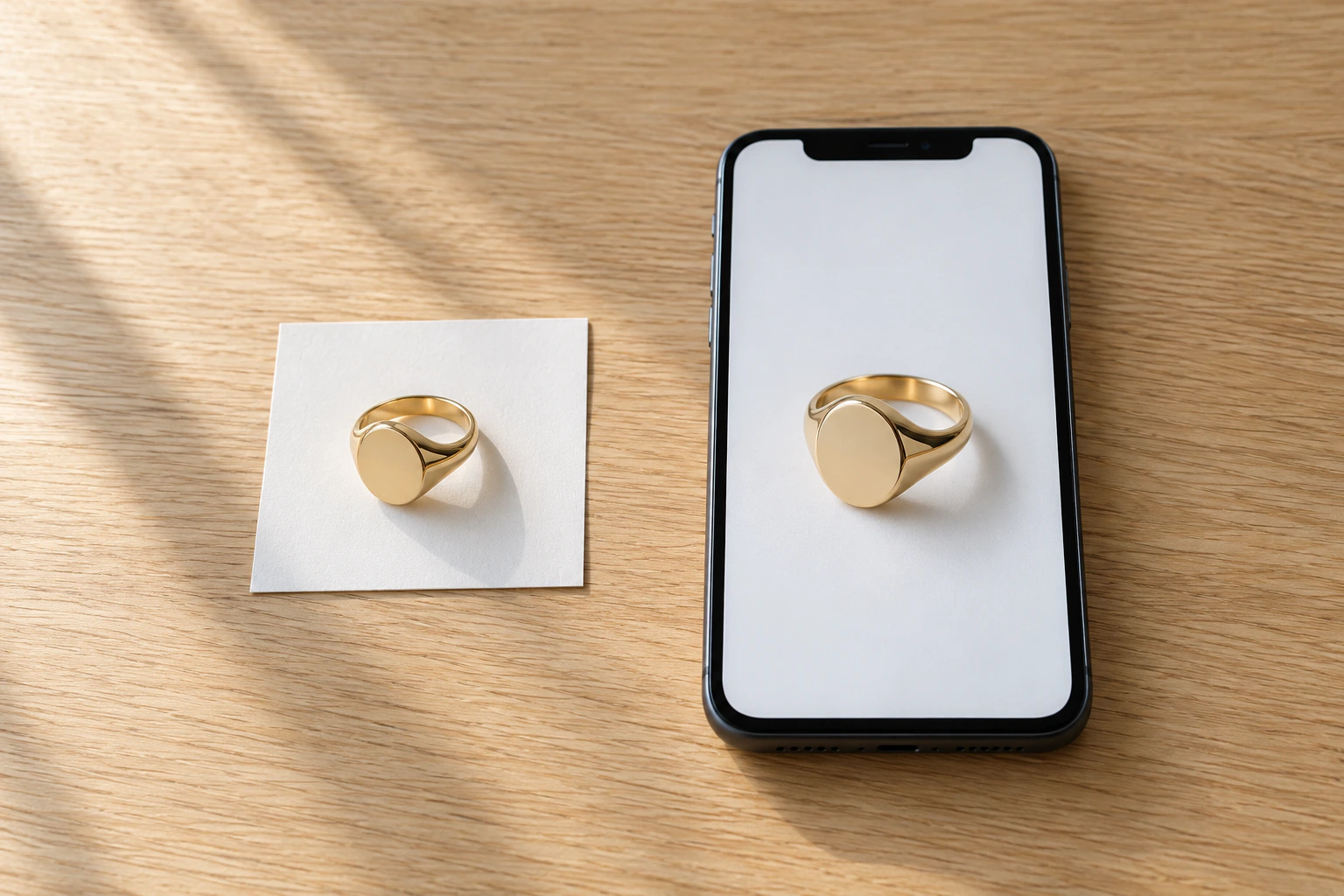
Upload your product
Upload one or more photos of your real product. Up to 5 references, JPG, PNG or WEBP.
- 02
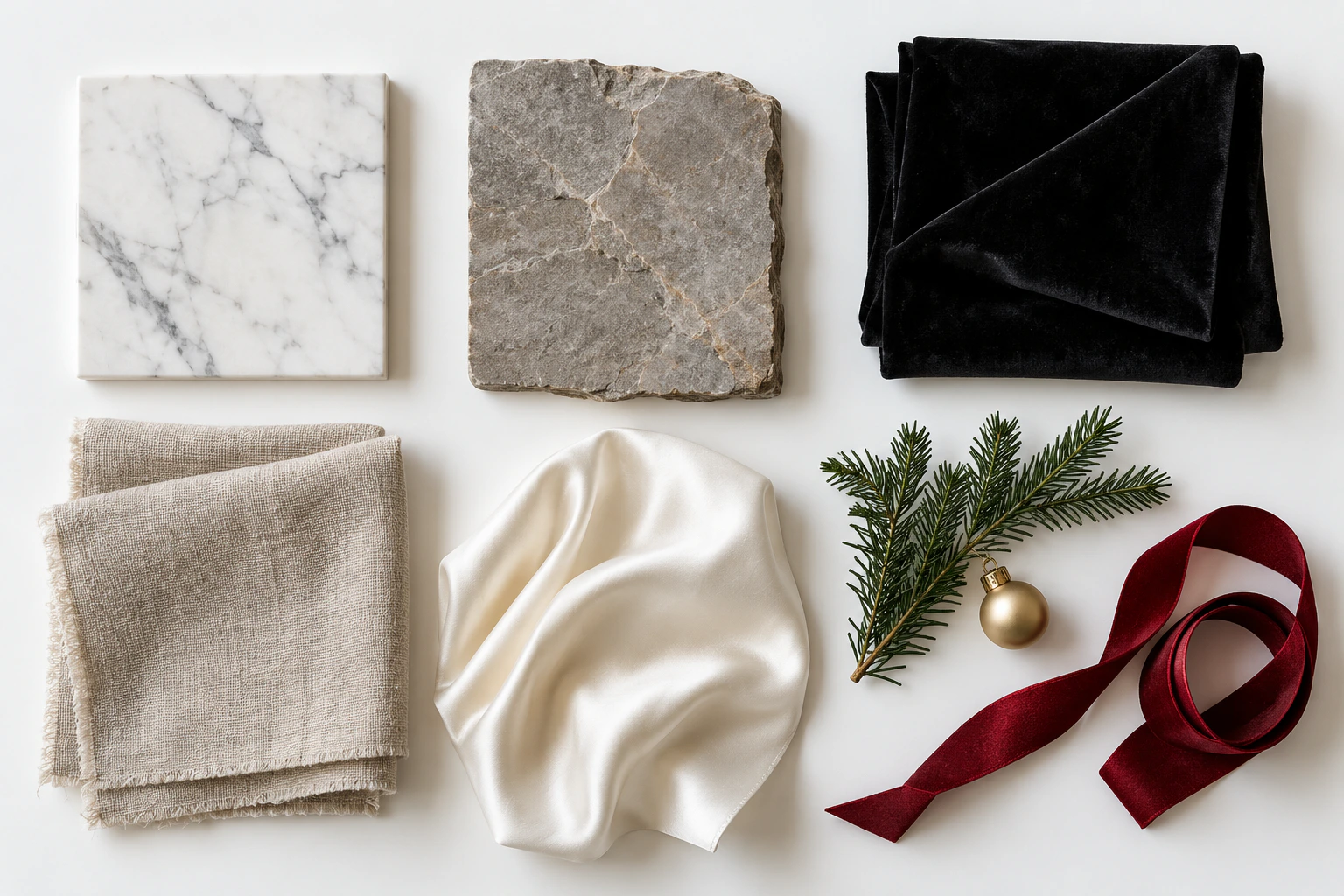
Choose a photoshoot
Pick a studio, lifestyle or seasonal scene, a format and 1 to 4 variations. Add a short wish if you like.
- 03
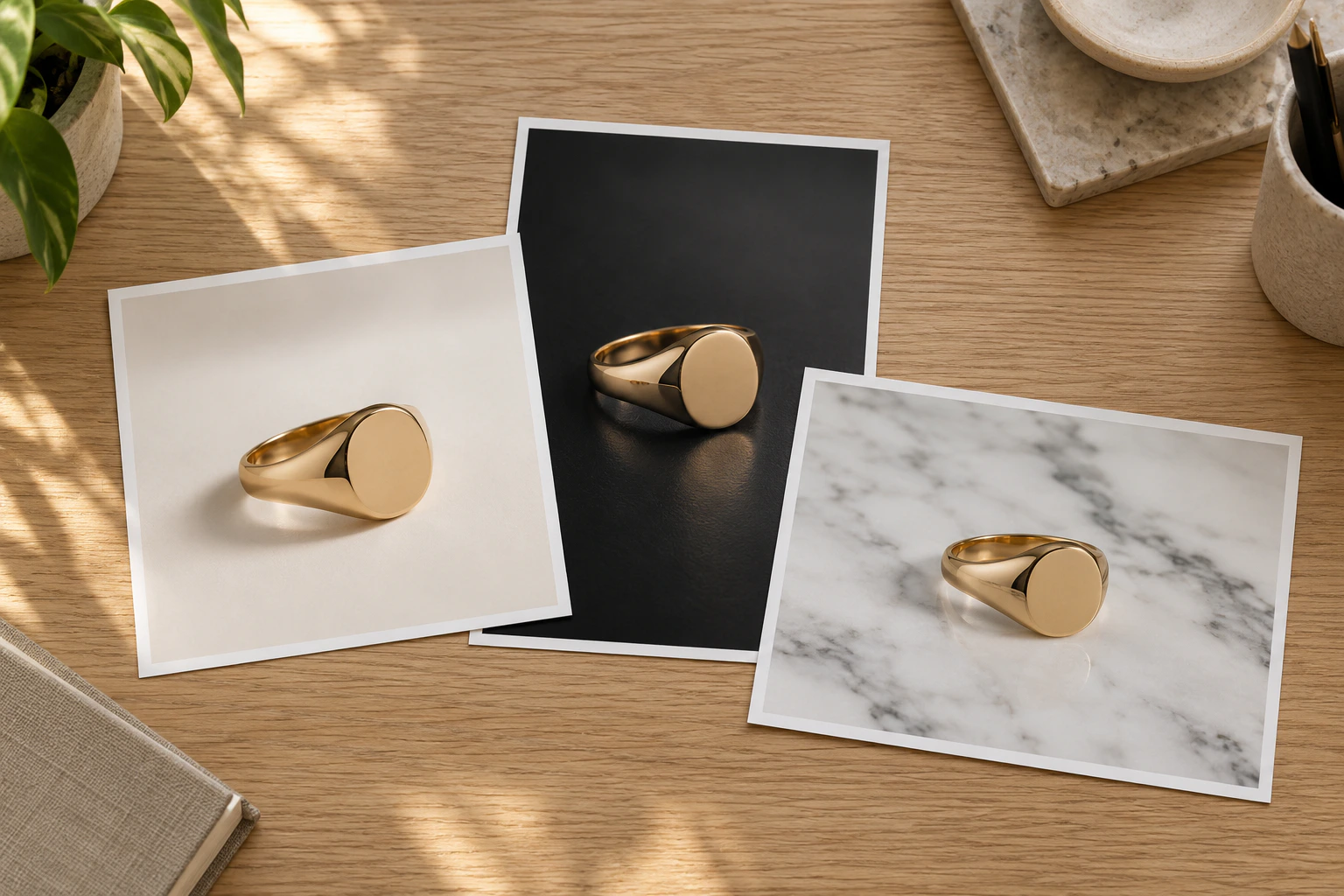
Download your campaign
Review the frames, keep the ones you like and download them for your store, ads and social media.
Launch-ready beauty imagery from the product shots you already have.
Start with a free account.
Your product stays your product. Start with 10 free credits, no photographer, studio or props to book.