Accessories
AI product photography for accessory brands
Build store and campaign imagery for bags, eyewear and leather goods.
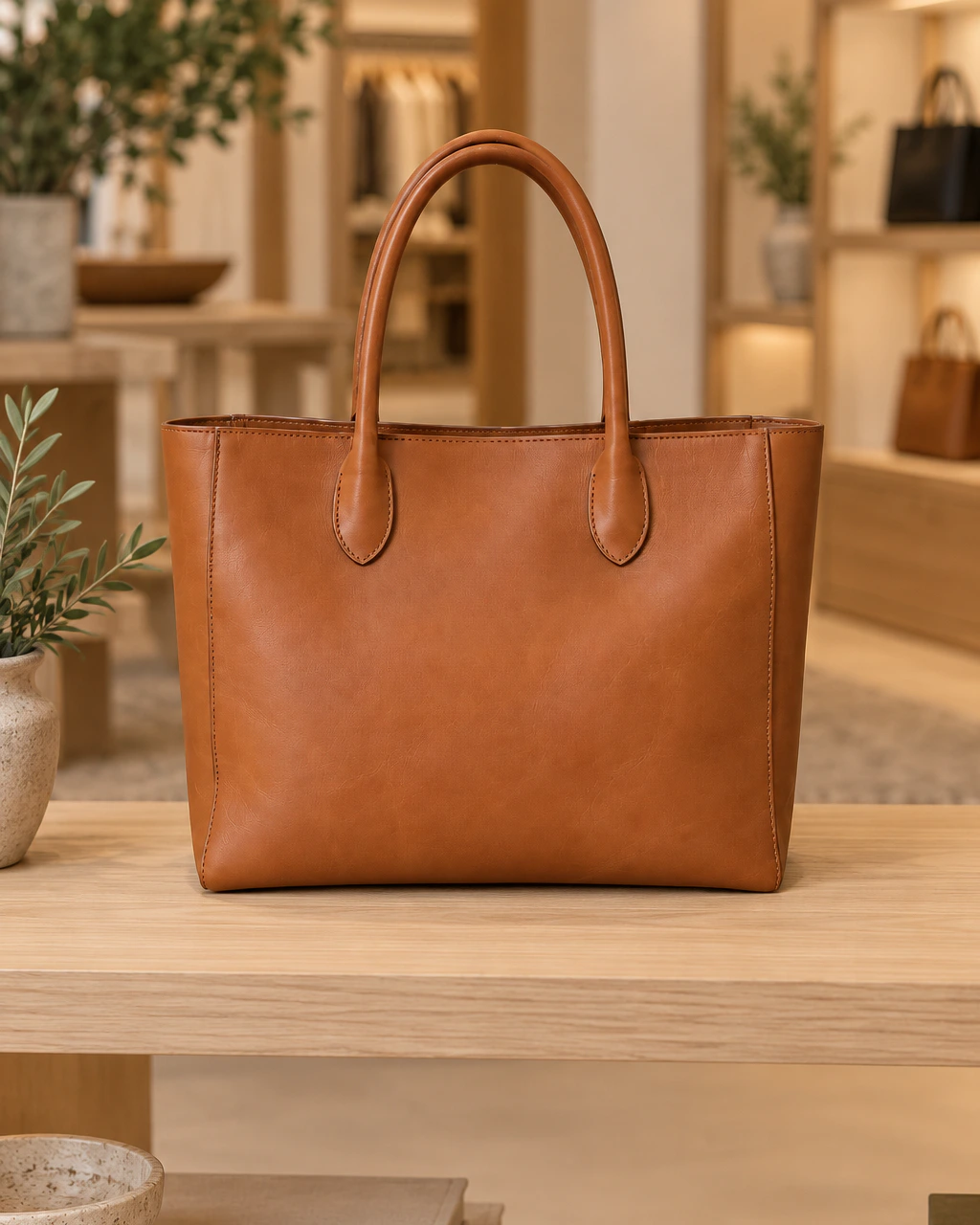
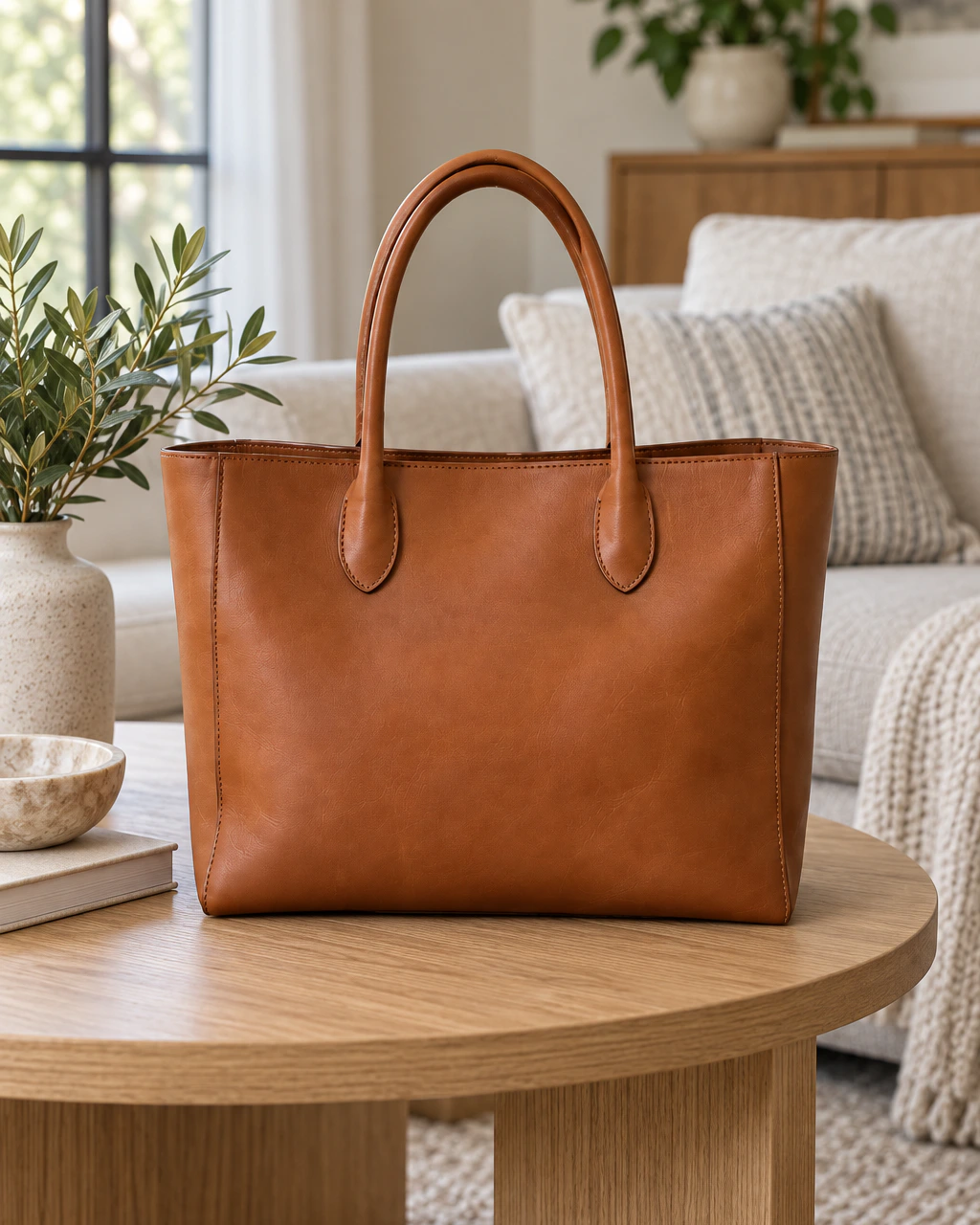
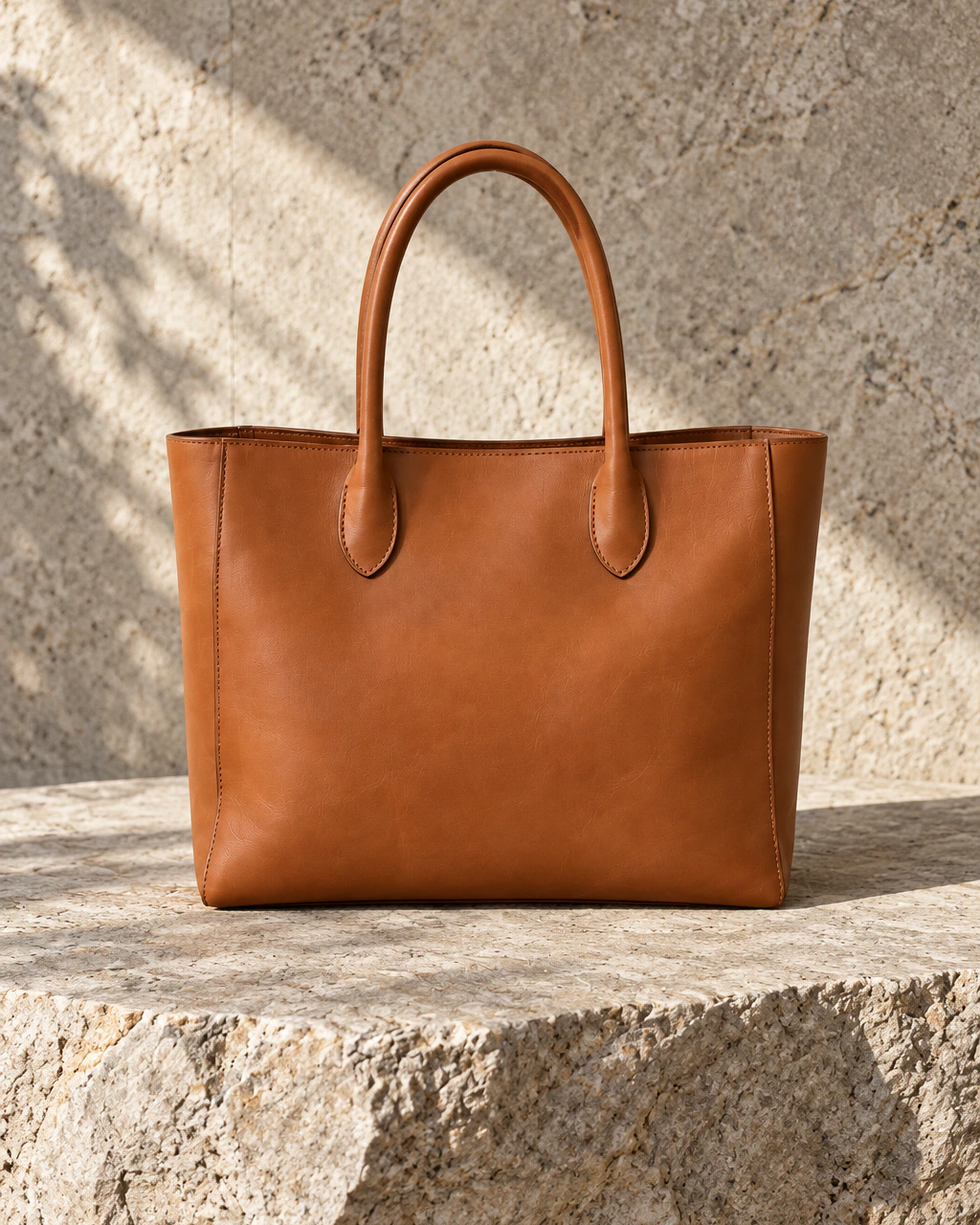
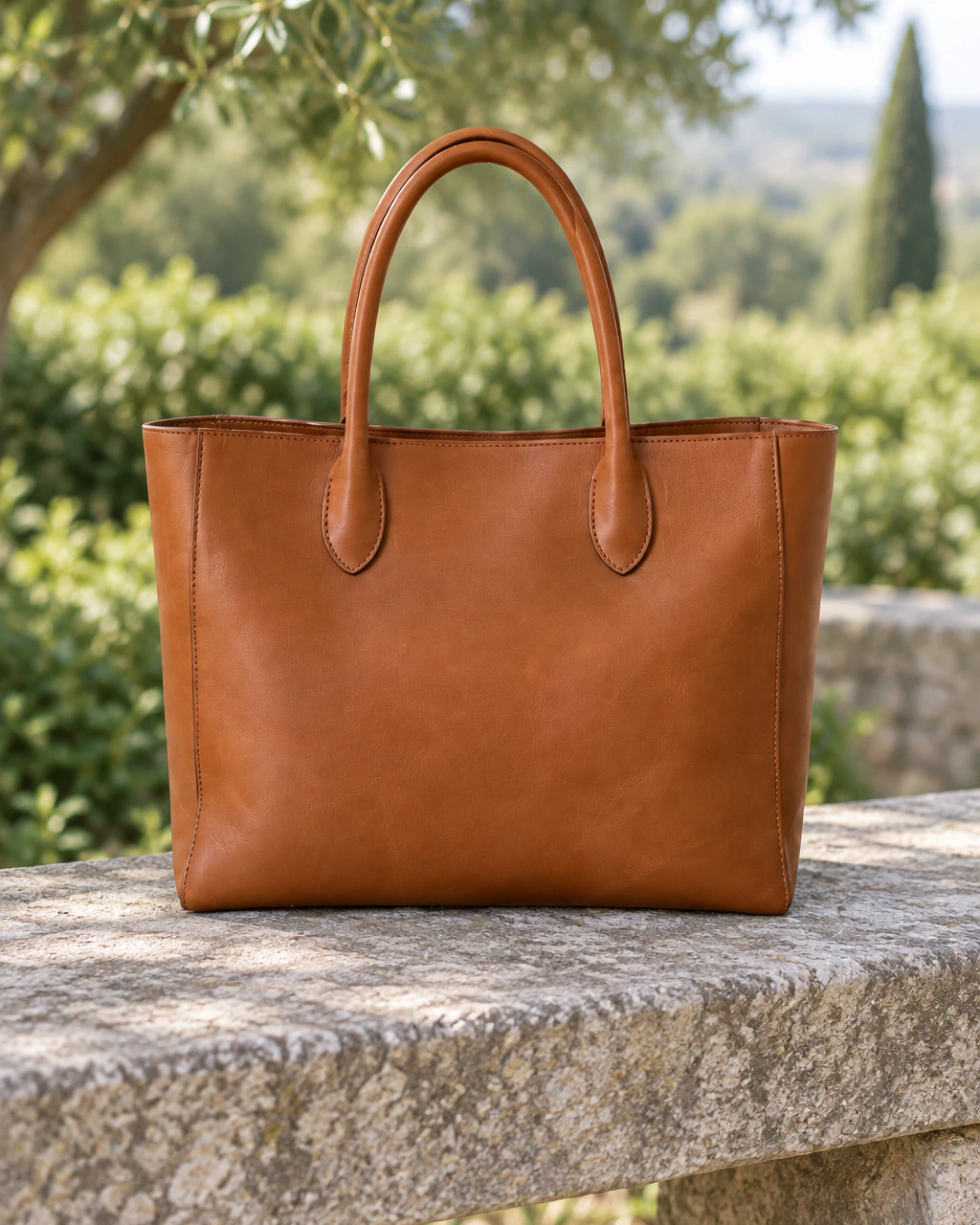
Accessories sell on material and craft — grain, stitching, hardware, finish. Upload the pieces you already photographed and generate the boutique, interior and outdoor scenes a fashion catalogue needs, with the item itself carried through.
What you can photograph
Every accessories product
in your catalogue.
Handbags
Totes, shoulder bags and clutches in retail and lifestyle settings.
Wallets
Small leather goods with grain and stitching held in focus.
Sunglasses
Frames and lenses across bright outdoor and studio scenes.
Fashion accessories
Belts, scarves and jewellery-adjacent pieces.
Before / after
Keep the product.
Change everything around it.
Drag the handle to compare a plain reference photo with a finished scene.
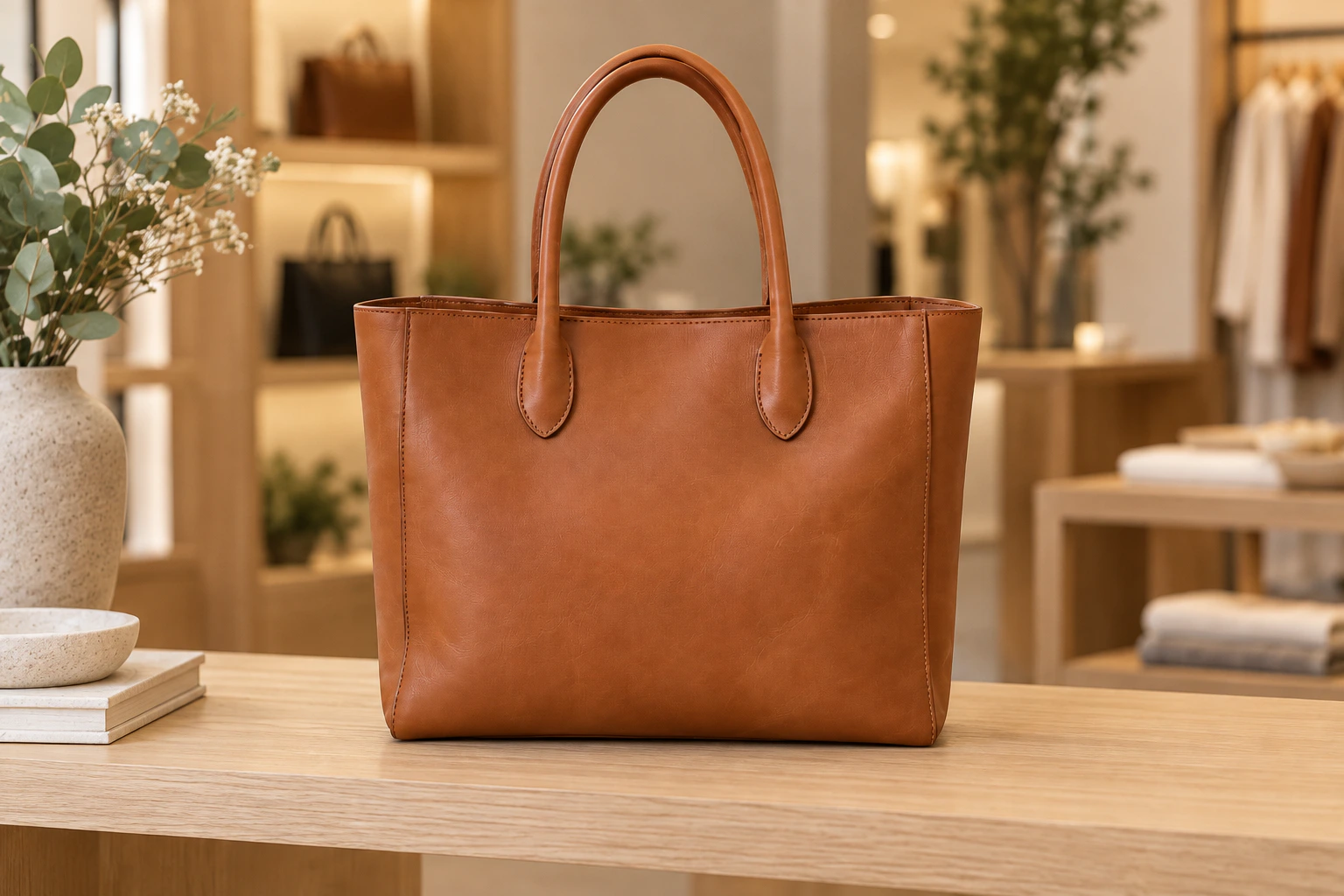
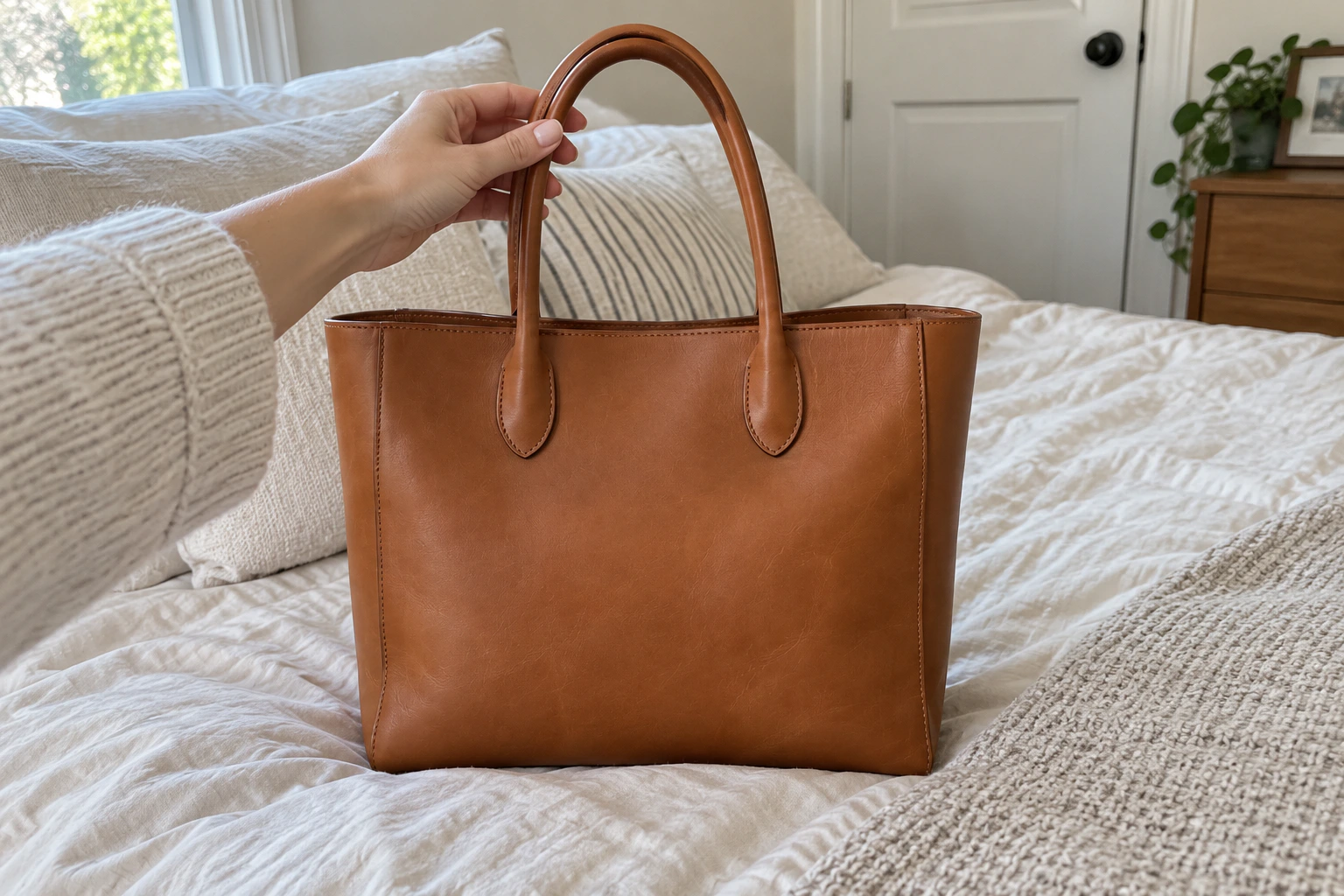
Scenes
Photoshoots suited to accessories.
Boutique
Modern Interior
Natural Stone
Outdoor
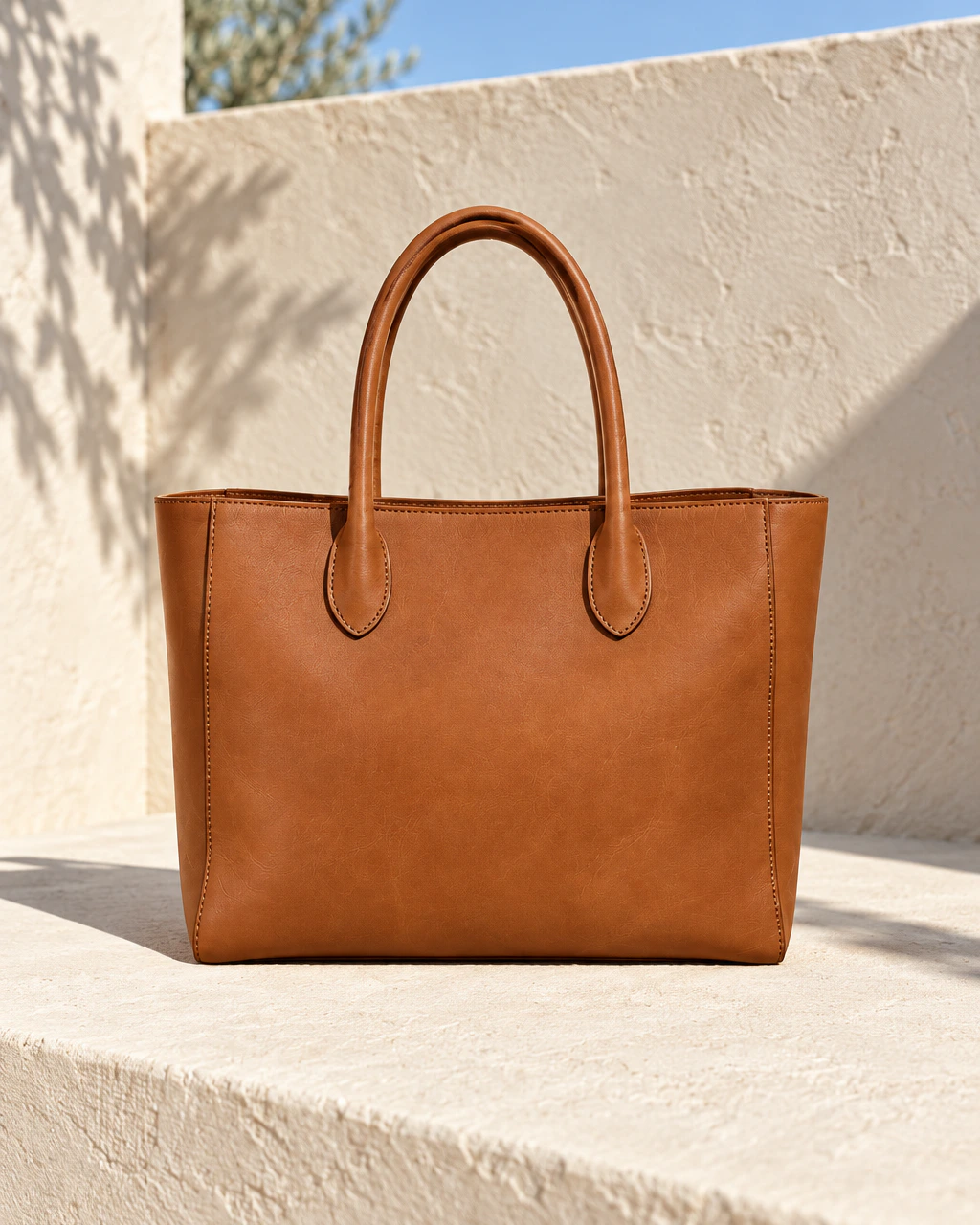
Summer
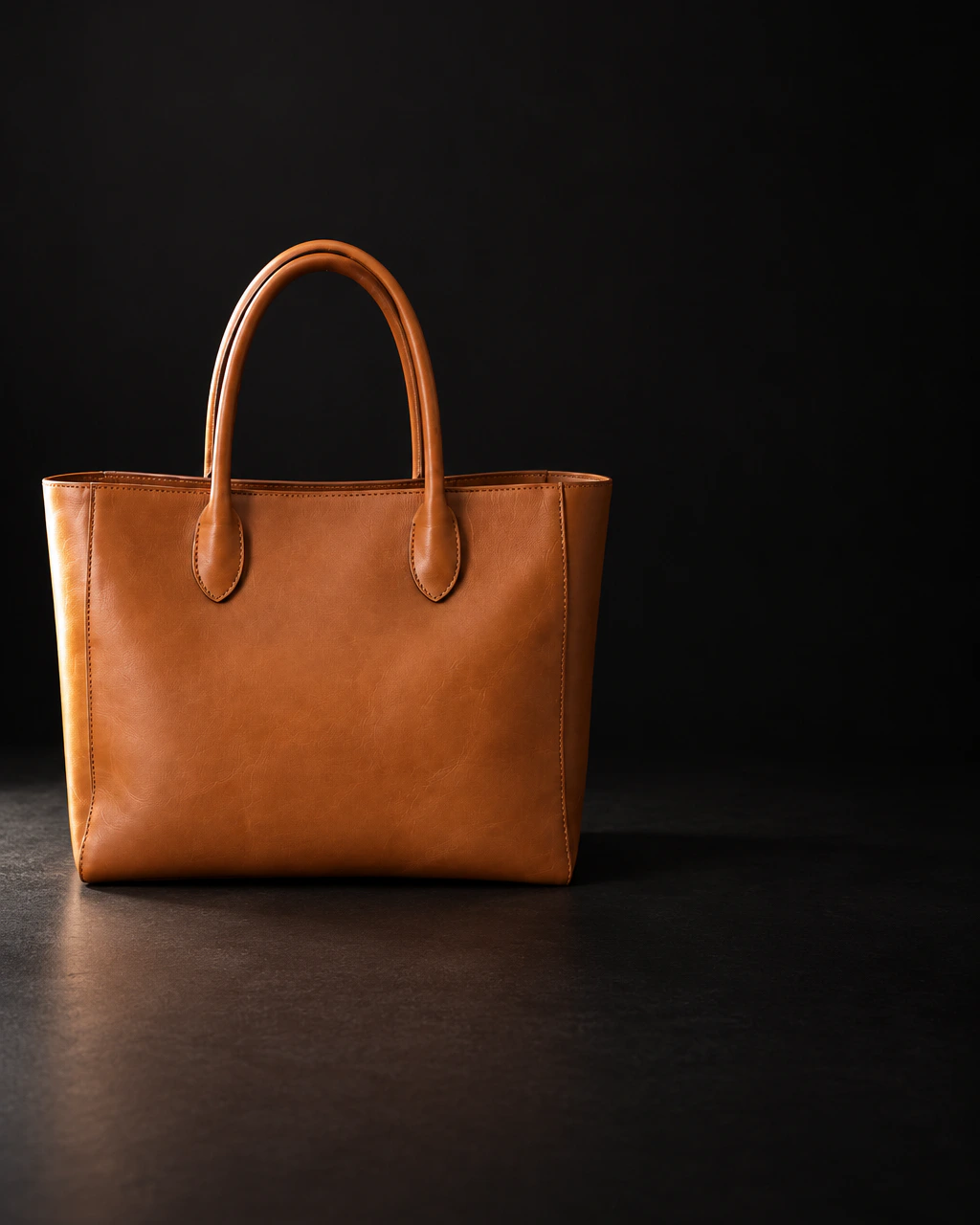
Black Friday
Use cases
Where these images end up.
Seasonal collections
Present a new drop in a scene that matches the season it launches in.
Marketplace listings
Generate the crops most commonly used by third-party marketplaces.
Paid social creative
Produce campaign variants with space reserved for copy.
Product lock
Keep the product.
Change everything around it.
You start from a real photo of a real product. The product stays the subject; the scene, light and props are what we create.
- Preserve product shape
- Preserve colours
- Preserve packaging
- Preserve logos and details
- Transform background and lighting
AI-generated results can vary. Always review generated assets before commercial use.
How it works
No complex prompts.
Choose a scene and start creating.
- 01
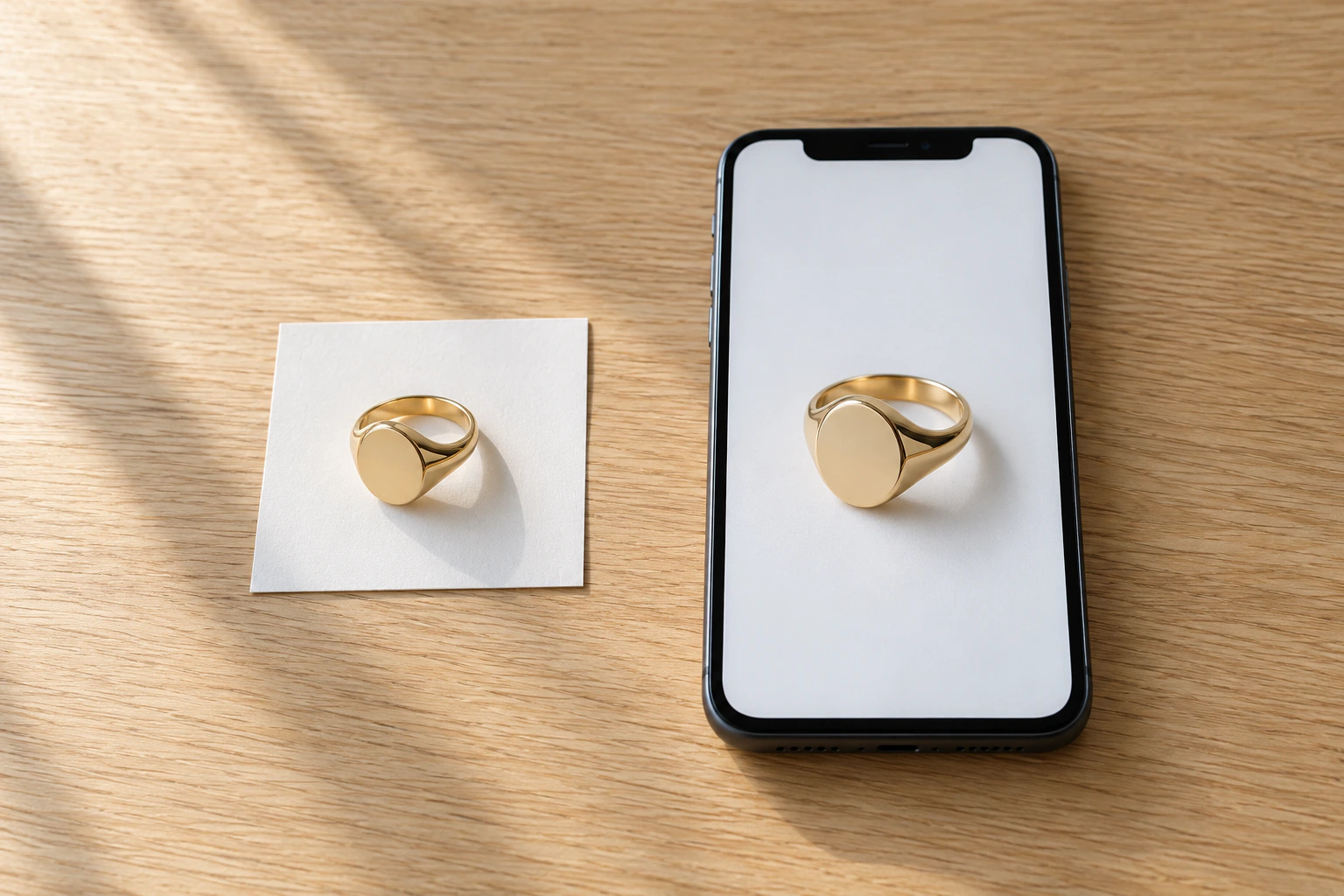
Upload your product
Upload one or more photos of your real product. Up to 5 references, JPG, PNG or WEBP.
- 02
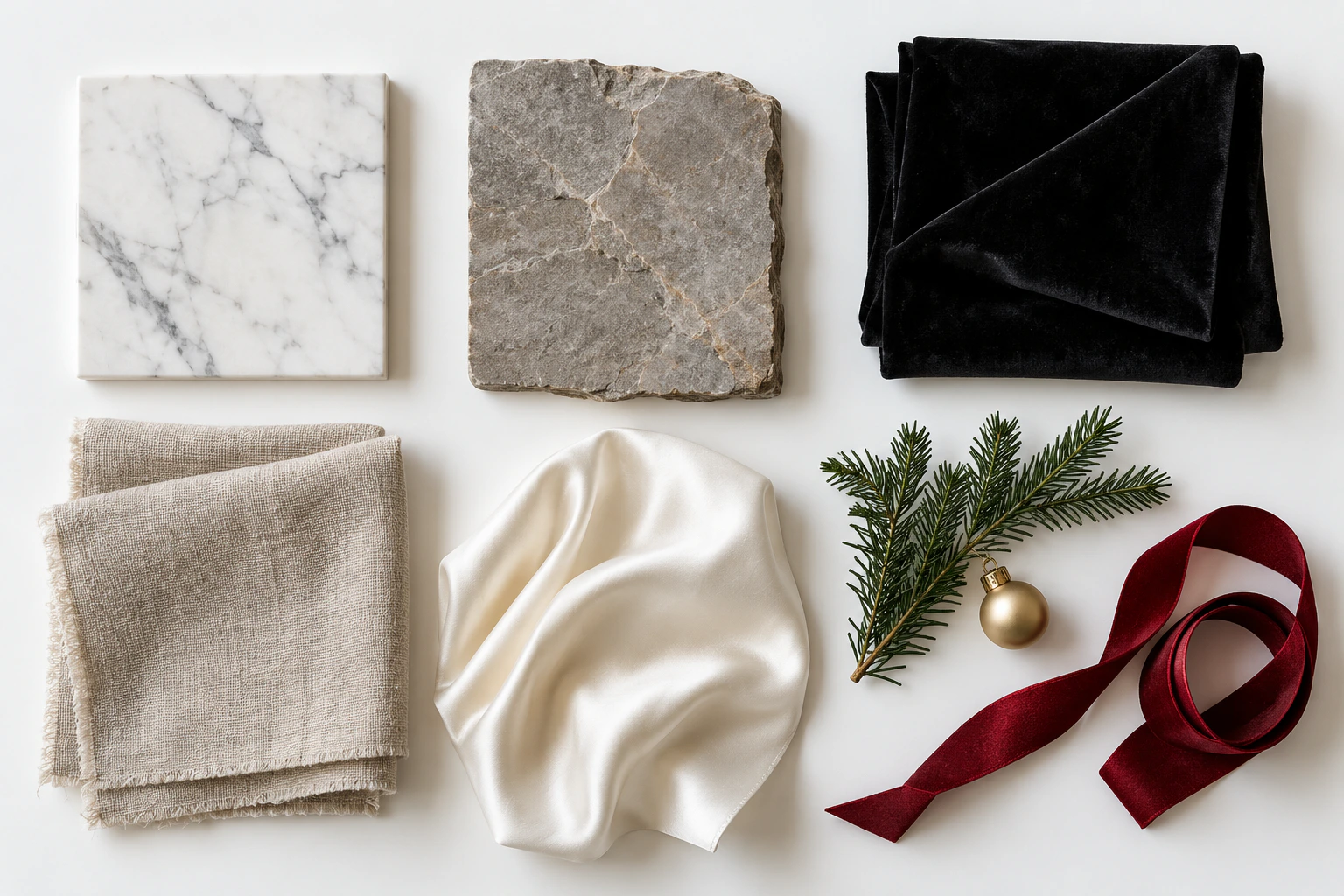
Choose a photoshoot
Pick a studio, lifestyle or seasonal scene, a format and 1 to 4 variations. Add a short wish if you like.
- 03
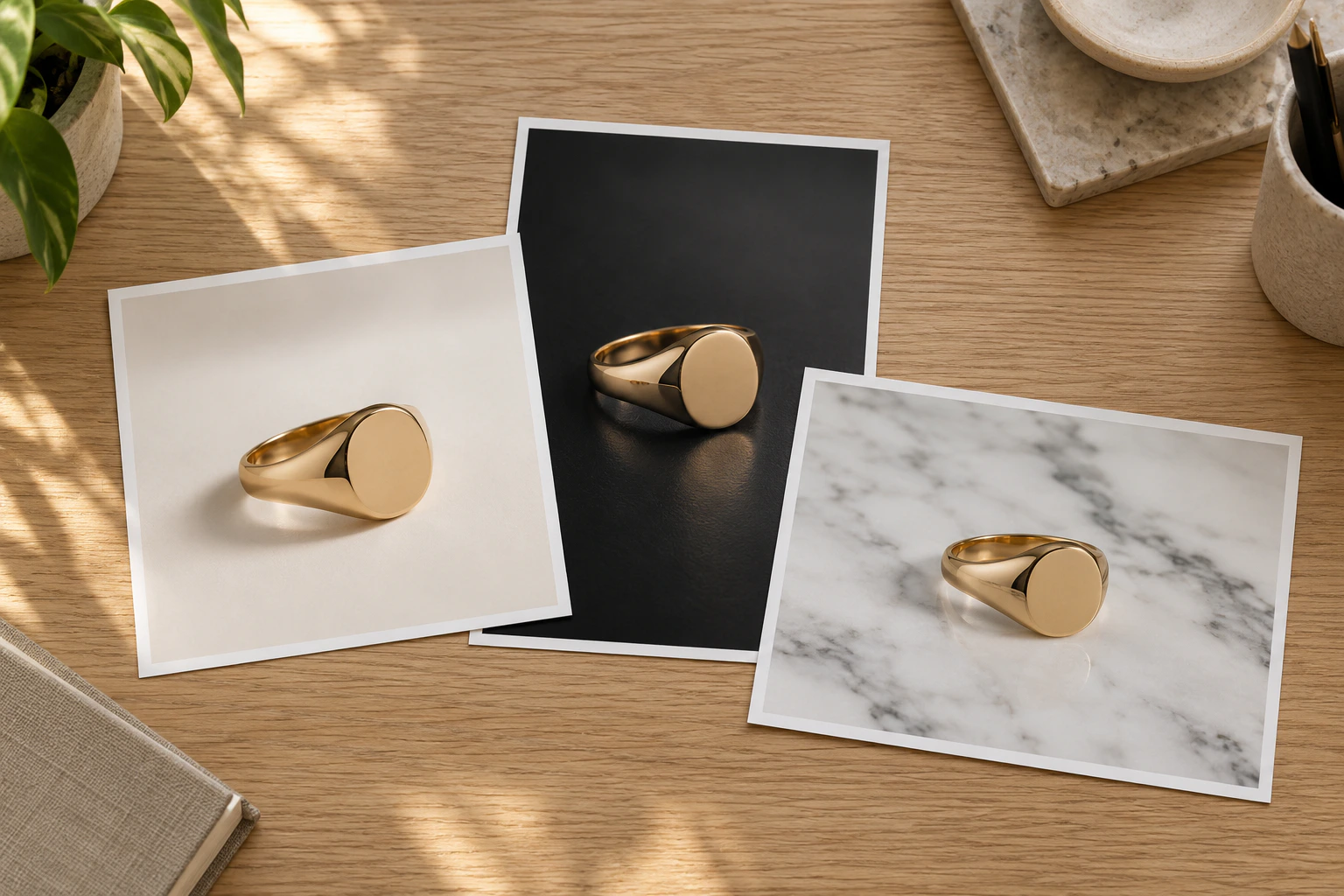
Download your campaign
Review the frames, keep the ones you like and download them for your store, ads and social media.
A full campaign for every drop, without a studio booking.
Start with a free account.
Your product stays your product. Start with 10 free credits, no photographer, studio or props to book.